1. nerdtree — Generate a File Tree
1
2
| " 文件目录树
Plugin 'scrooloose/nerdtree'
|
 1
 2
 3
 4
 5
 6
 7
 8
 9
10
11
12
13
| "=====================================================
"" NERDTree 配置
"=====================================================
let NERDTreeChDirMode=1
"显示书签"
let NERDTreeShowBookmarks=1
"设置忽略文件类型"
let NERDTreeIgnore=['\~$', '\.pyc$', '\.swp$','\.pyo$', '__pycache__$']
"窗口大小"
let NERDTreeWinSize=40
autocmd VimEnter * if !argc() | NERDTree | endif " Load NERDTree only if vim is run without arguments
"按 F2 开启和关闭目录树"
map <F2> :NERDTreeToggle<CR>
|
Common shortcuts
| Shortcut | Action |
|---|
| ctrl + w + w | Move the cursor between the left and right windows automatically |
| o | Expand a directory on the left; press again to collapse it |
| t | Open the selected file/bookmark in a new tab and jump to the new tab |
| T | Open the selected file/bookmark in a new tab without jumping to it |
| P | Jump to the root node |
| q | Close the NerdTree window |
| :tabc | Close the current tab |
| :tabo | Close all other tabs |
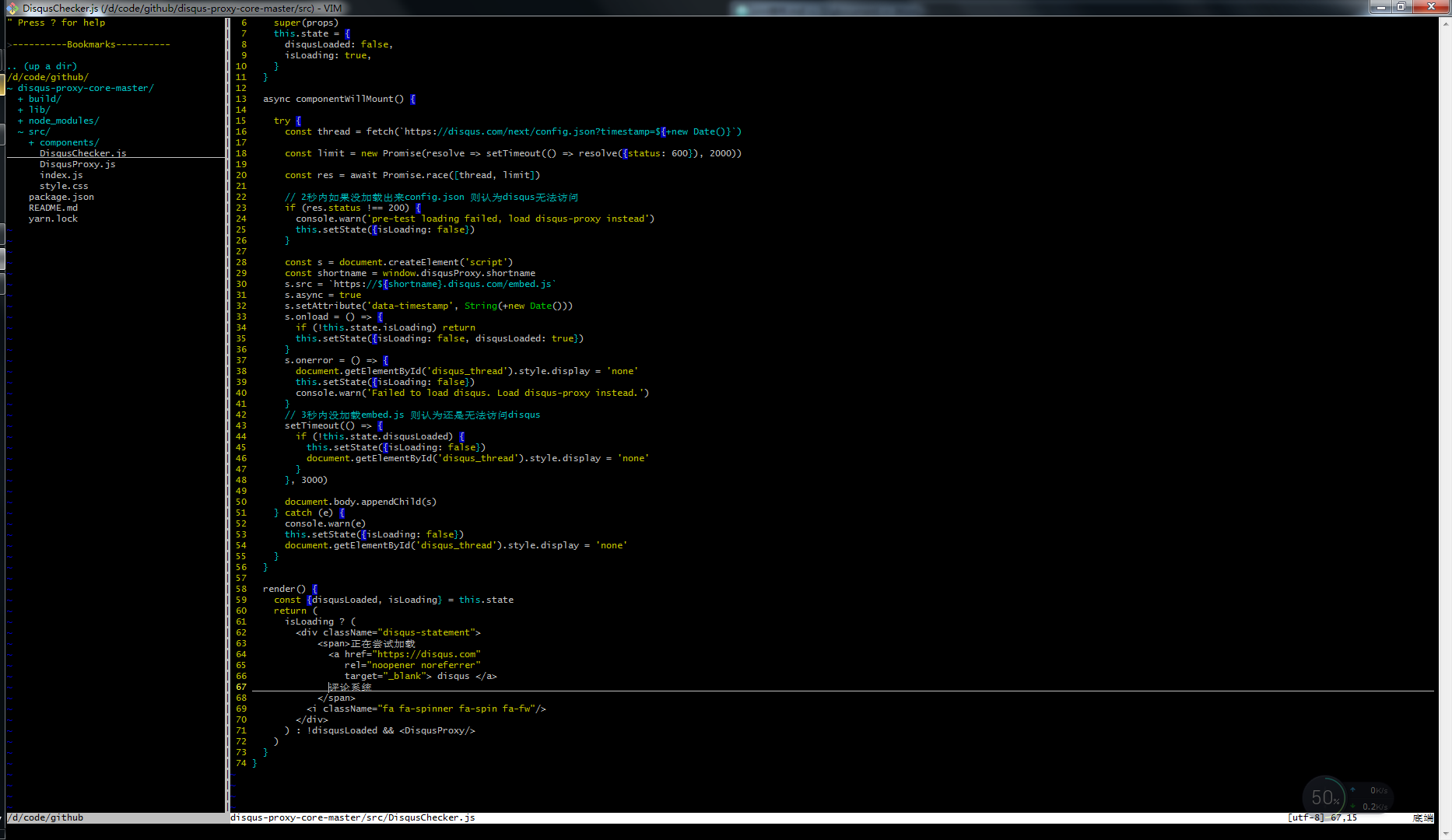
Result:
2. vim-colorschemes — Custom Color Schemes
flazz/vim-colorschemes ships with a great many color schemes, so you can pick your own.
1
2
| " 主题
Plugin 'flazz/vim-colorschemes'
|
1
2
3
4
5
6
| "=====================================================
"" Vim-colorschemes 配置
"=====================================================
syntax enable " syntax highlight
set t_Co=256 " set 256 colors
colorscheme wombat256mod " set color scheme
|
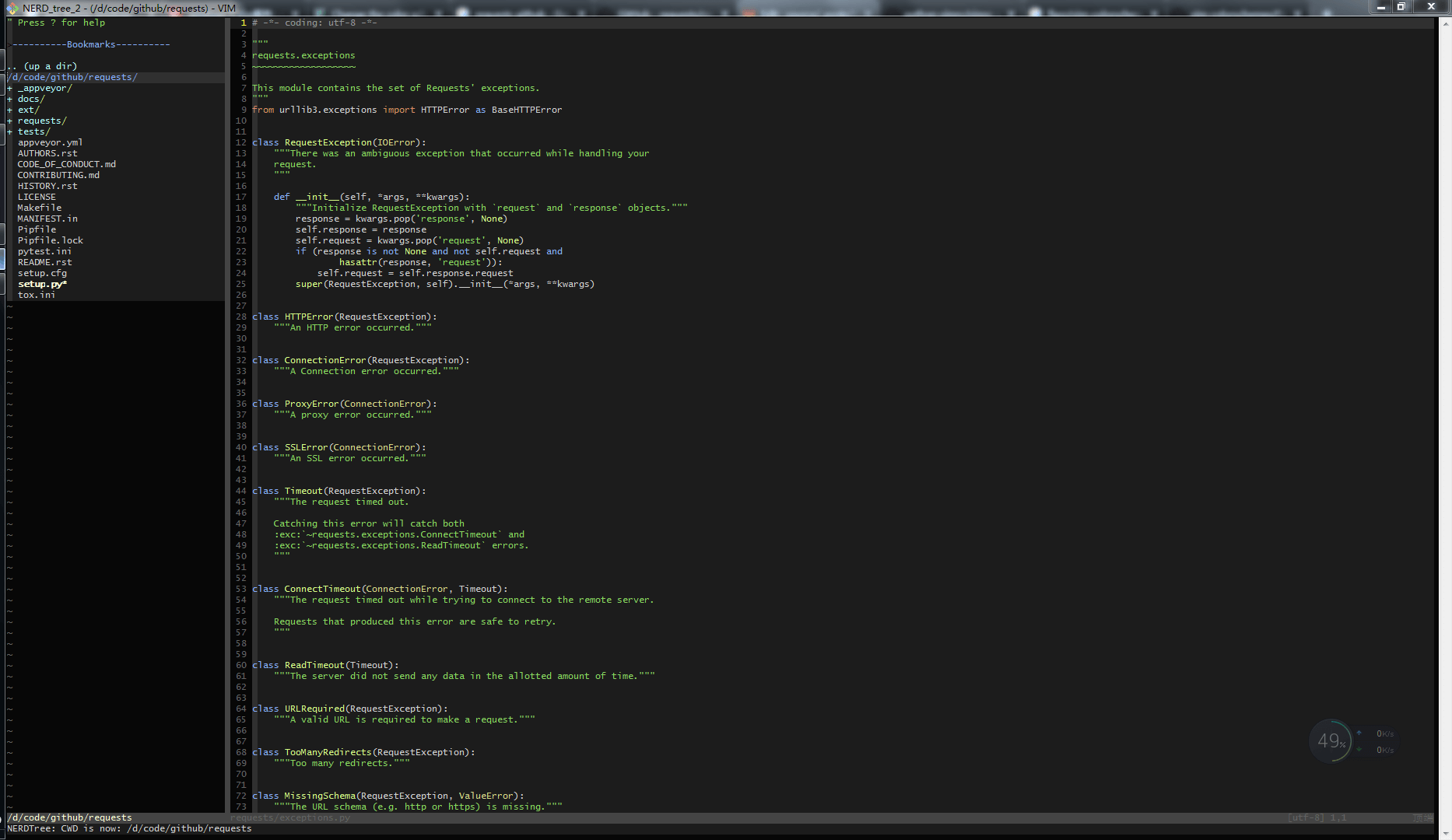
Result:
3. vim-airline — Status Bar
bling/vim-airline is used to customize and enhance the status bar.
1
2
| " 状态条
Plugin 'bling/vim-airline'
|
 1
 2
 3
 4
 5
 6
 7
 8
 9
10
| "=====================================================
"" vim-airline 配置
"=====================================================
set t_Co=256 " Explicitly tell Vim that the terminal supports 256 colors
set laststatus=2
let g:airline_powerline_fonts=1
let g:airline#extensions#tabline#enabled=1 " enable tabline
let g:airline#extensions#tabline#buffer_nr_show=1 " 显示buffer行号
let g:airline_theme="solarized"
"set ambiwidth=double " When iTerm set double-width characters, set it
|
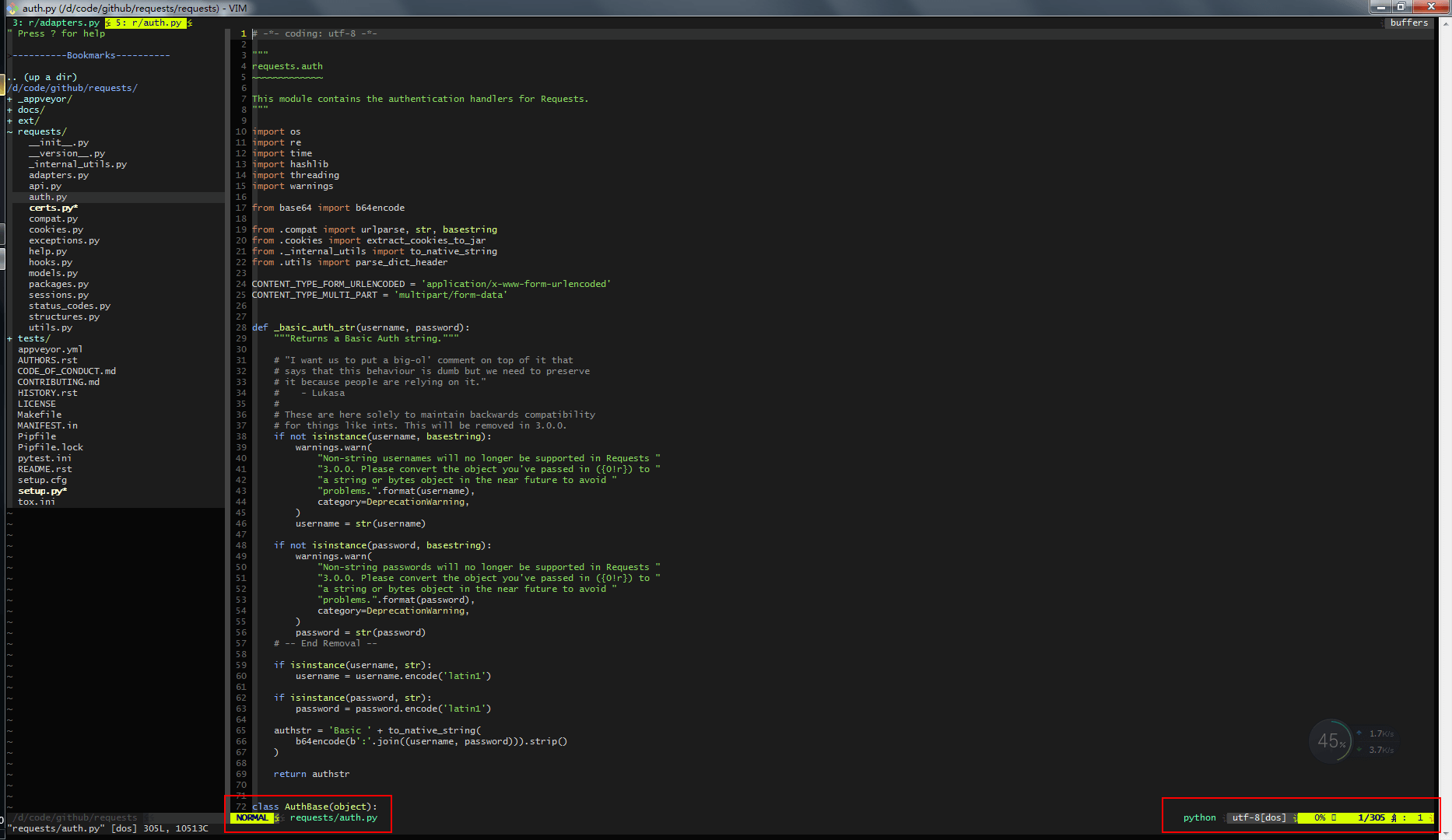
Result:
4. tagbar — Code Analysis
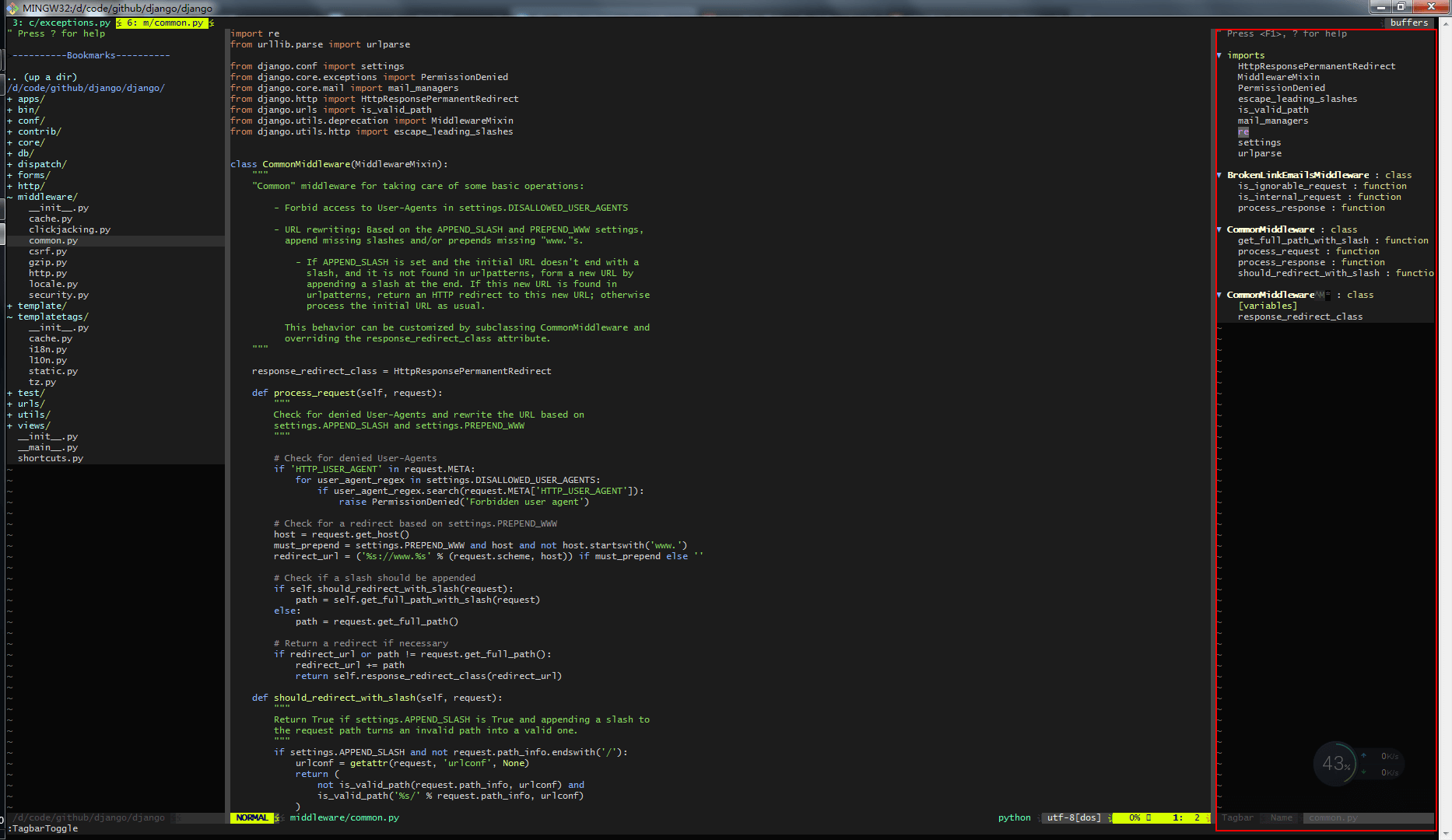
majutsushi/tagbar quickly analyzes function and class definitions in code.
First you need to install ctags; on Windows you can run: choco install ctags
1
2
| " 代码分析
Plugin 'majutsushi/tagbar'
|
1
2
3
4
| "=====================================================
"" tagbar 配置
"=====================================================
nmap <F8> :TagbarToggle<CR>
|
Result:
5. ag.vim — Content Search
rking/ag.vim is a search plugin that finds things even faster than ack.
First you need to install ag; on Windows you can run: choco install ag
1
2
| " 内容查找
Plugin 'rking/ag.vim'
|
