1. What frp Is
frp is a high-performance reverse proxy application. It provides:
- Using a machine behind a private network or firewall to expose http or https services to the external network
- For http and https services, it supports domain-based virtual hosts and custom domain binding, so multiple domains can share a single port 80
- Using a machine behind a private network or firewall to expose tcp and udp services to the external network, for example reaching a host on your company’s private network from home over ssh
2. Architecture and Deployment
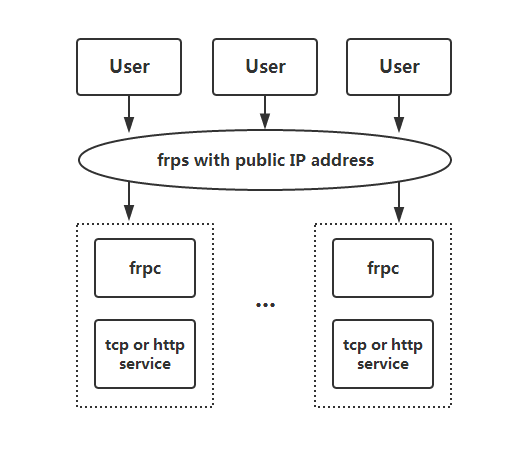
frp uses a C/S architecture. To use it, you need to:
Deploy the server: put frps and frps.ini on a machine with a public IP and run frps;
Deploy the client: put frpc and frpc.ini on a machine inside the private network and run frpc.
frp is written in Go and supports OS X, Windows, and Linux.
3. Installing frp on the Server
There are two ways to install frp on the server.
- Download a Releases build from GitHub and install it manually
- Install with the script written by clangcn
The steps below use the script installation:
- Download the script
| |
- Add execute permission
| |
- Run the installation
| |
During installation you need to fill in some configuration parameters:
| |
4. Client Configuration
On the frp releases page you can find a package that fits Windows. After downloading it, edit the configuration file frpc.ini:
| |
Parameter description:
- server_addr, the IP address of the server
- server_port, the port bound on the server
- token, the token for the frp service
The local project is a Django project, with the service bound to port 8000.
At the same time, in DNS you need to point xxx.chenshaowen.com at 111.222.333.444 (the address of the frp server)
Run the local client:
| |
At this point you can access the local service directly through the public domain:
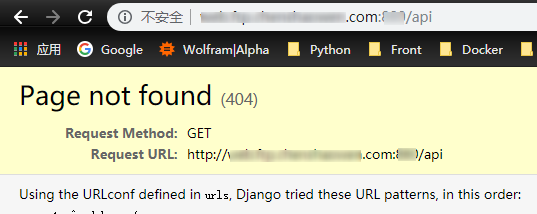
5. Router Configuration
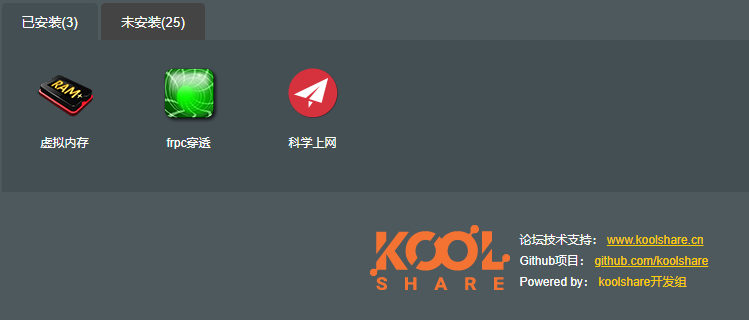
In the KoolShare software center, install the [Virtual Memory] and [frpc Traversal] plugins.
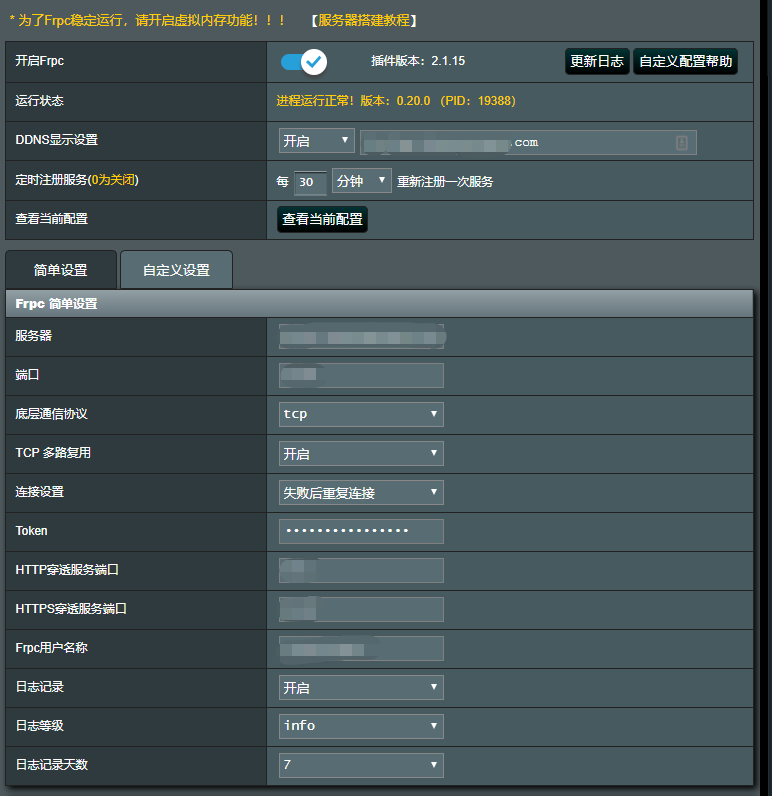
Configure the server-side information (after the script installation of the frp server succeeds, it prints the complete configuration information)
Configure port mapping to forward external access to the specified internal port:
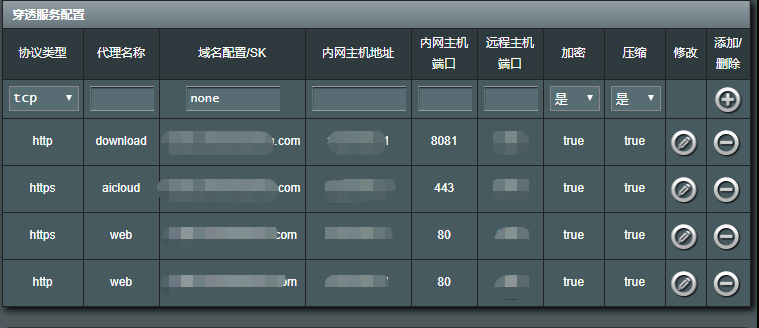
Finally, do not forget to resolve the domain in [Domain Configuration/SK] to the frp server address.
