1. What Problem We Hit
A Jenkins build log threw an error:
| |
Cause analysis:
To briefly explain the deployment situation: Jenkins is deployed on Kubernetes using a Helm Chart, and builds run on dynamic Kubernetes Pods. Jenkins’ /var/jenkins_home is mounted to a PV for persistence.
Concurrent pipelines preempting the same workspace caused the build to fail. This is a good question, and working through the pipeline execution flow helps deepen your understanding of Jenkins. The fix: you can simply enter the workspace directory and delete index.lock, or you can try to solve the Lightweight failure problem.
2. Common Project Types in Jenkins
First, let’s look at the common project types in Jenkins. There are mainly three:
- Freestyle project
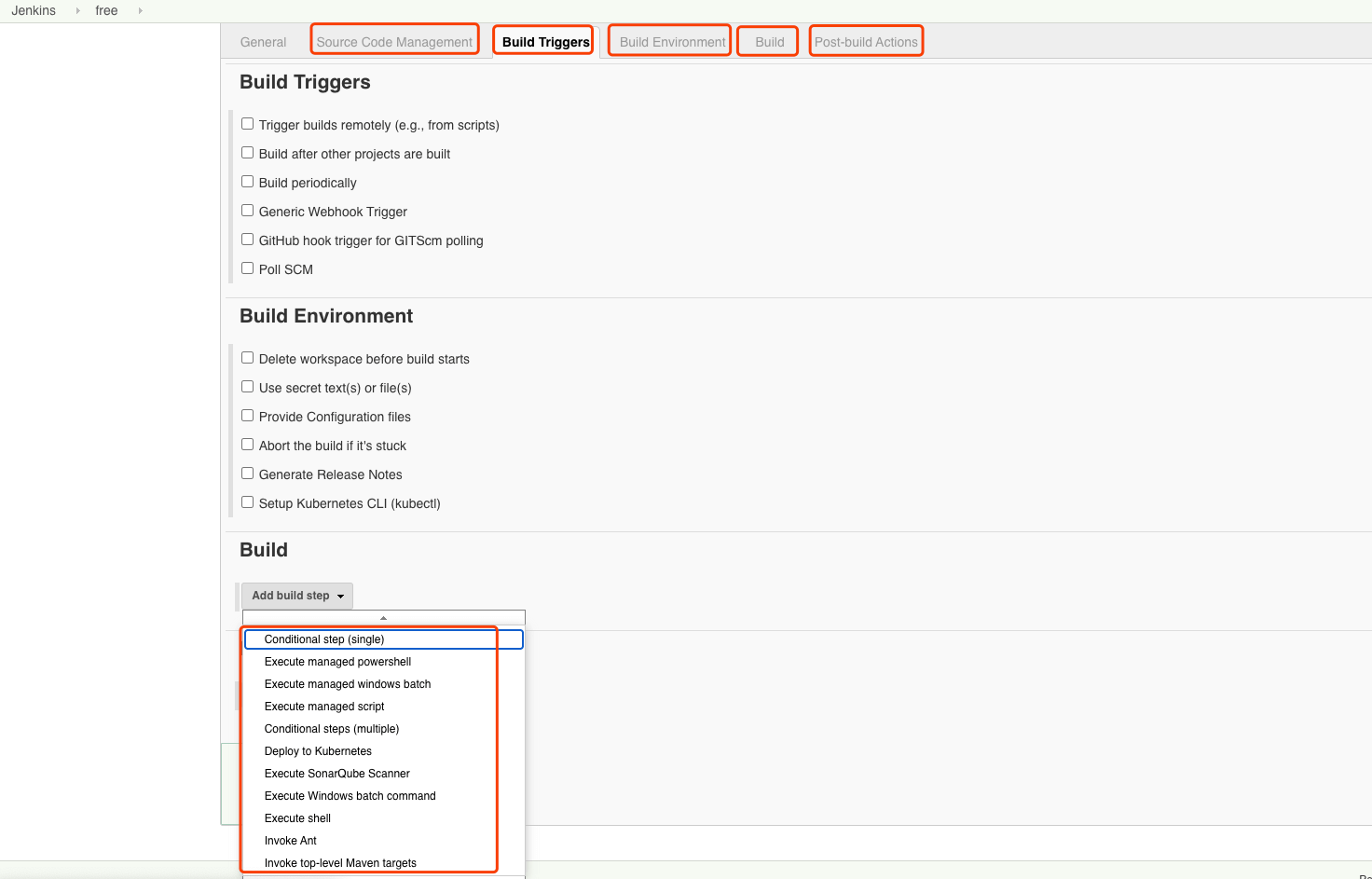
The Freestyle project type offers the ability to edit the flow directly on the Jenkins page.
- Pipeline
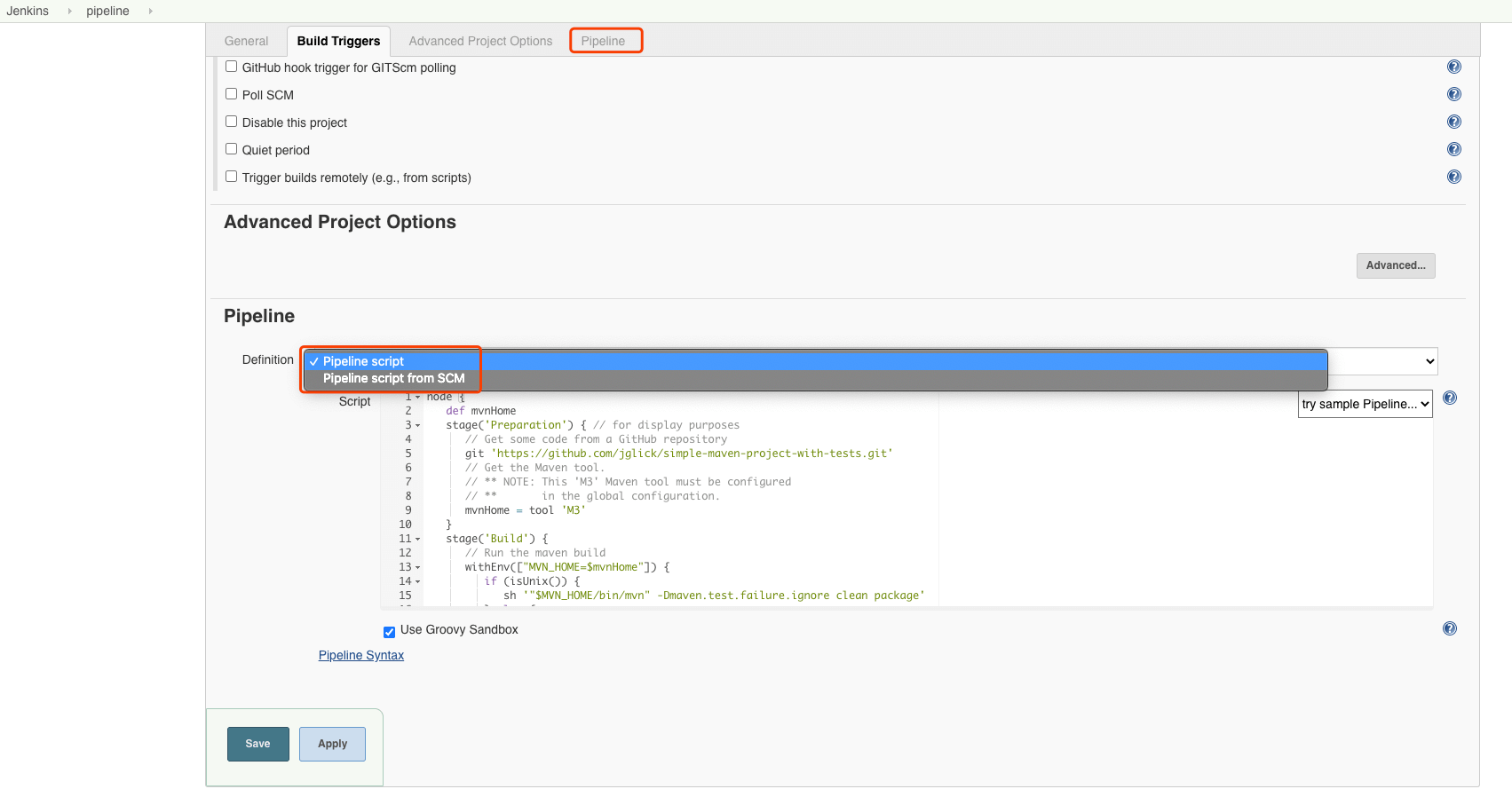
The Pipeline type hands the orchestration of the execution part to the user, offering a more flexible way to execute.
- Multibranch Pipeline
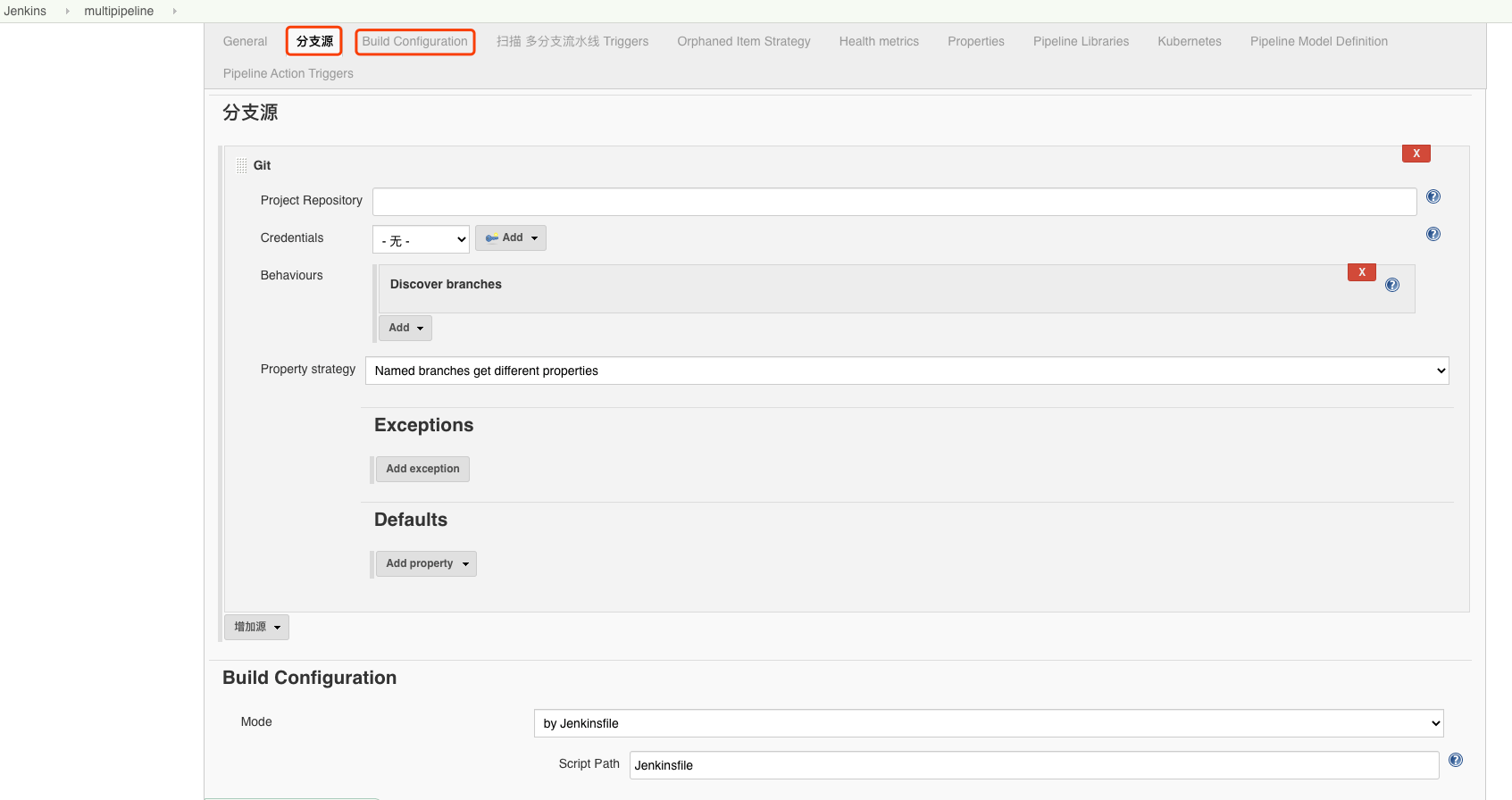
The Multibranch Pipeline type provides richer multi-branch use cases.
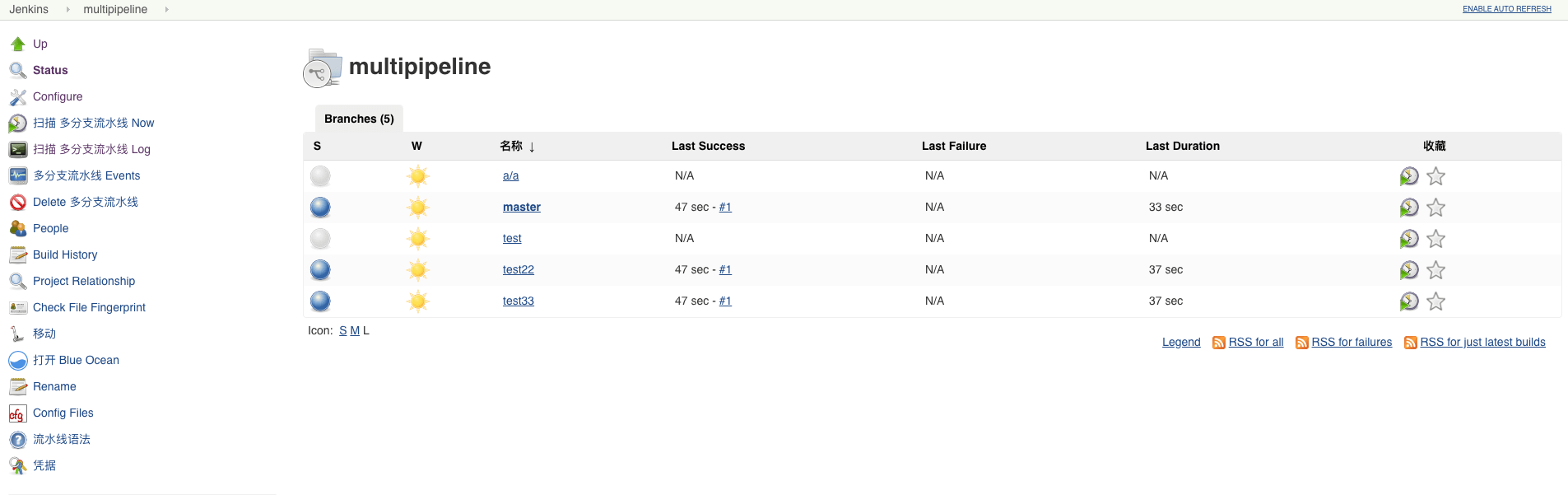
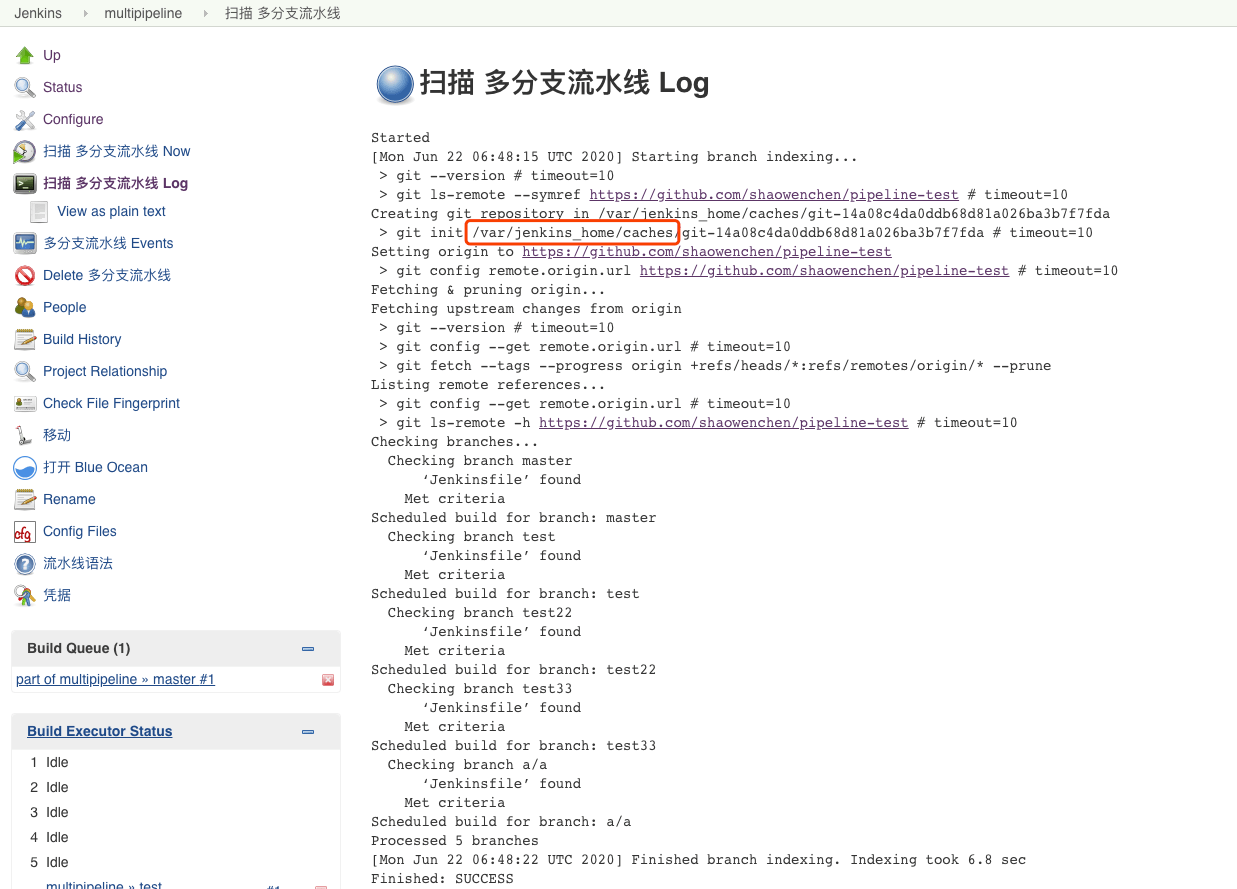
As shown above, this is the log of a multibranch pipeline scan. You can see that the multi-branch scan consumes a large amount of disk space under /var/jenkins_home/cache, so you should not reduce Jenkins’ disk space just because you are using dynamic Pods and external object storage for archiving.
3. Jenkinsfile Syntax Types
Besides editing directly with a Freestyle project, the Jenkinsfile is also a common way to define a pipeline. Jenkinsfile follows the Groovy DSL, and there are mainly two types of syntax:
- Scripted
- Declarative
3.1 Scripted Pipeline
| |
3.2 Declarative Pipeline
| |
4. Jenkinsfile Source Types
When using a Jenkinsfile to define a pipeline, there are mainly two ways:
- Pipeline script
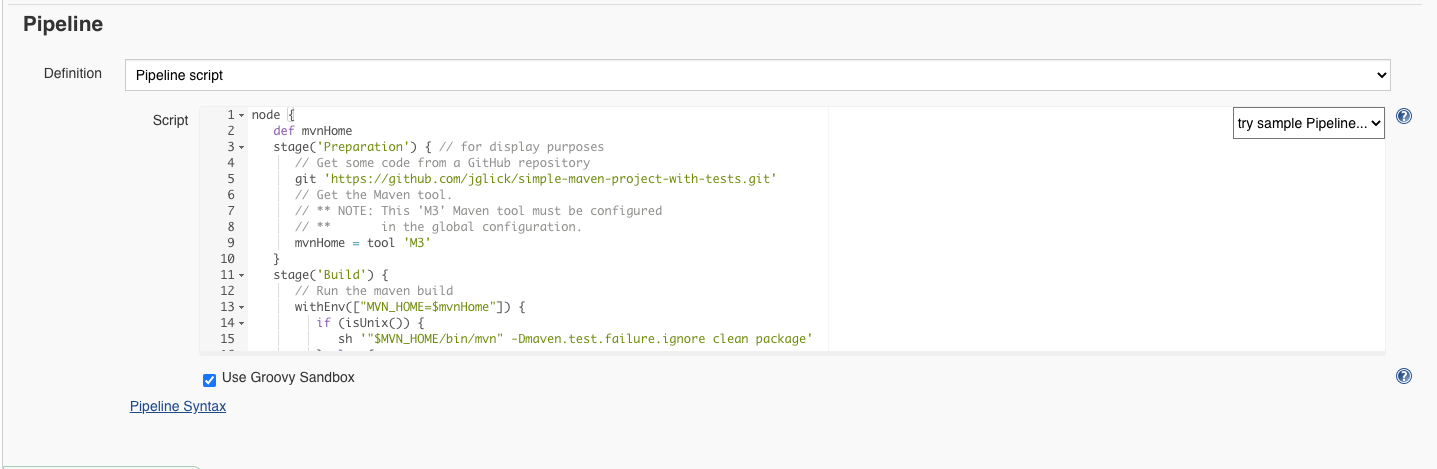
As shown above, the pipeline flow is edited directly on the page.
- Pipeline script from SCM
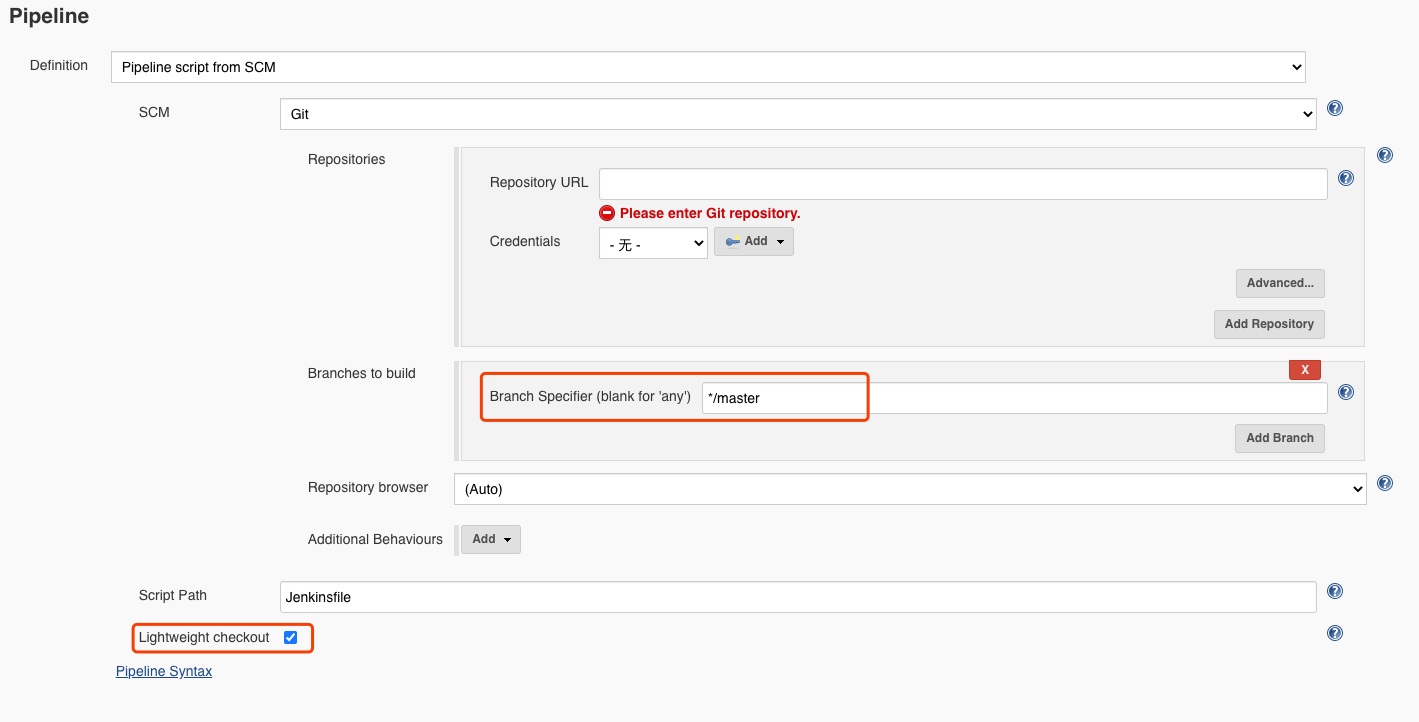
Since configuration is also part of what needs to be managed in DevOps practice, the Jenkinsfile is usually added to the repository and maintained along with the version history. As shown above, you can specify the repository and path directly and select the Jenkinsfile.
The Branches to build and Lightweight checkout settings here deserve special attention, and they are discussed below.
5. The SCM Pipeline Execution Flow
5.1 Fetching the Jenkinsfile from the Repository
If Lightweight checkout is enabled and takes effect, Jenkins fetches the Jenkinsfile directly. There are two specific ways:
- Via the API, where you will see the following log
| |
- Via Git, where you will see the following log
| |
If Lightweight checkout is not enabled or Lightweight checkout fails, you will see the following log.
| |
There are many possible reasons for Lightweight checkout to fail:
- An old Jenkins version
- An old Git Server version
- The
Branches to buildparameter has multiple or incorrect selections
Testing different versions of the components makes it easy to detect the relevant problem. Here we focus on Branches to build.
The Branches to build parameter specifies which branches the Jenkinsfile can be fetched from. If it is set to */master, then only the Jenkinsfile on the master branch is valid. If it is set to */*, it means the Jenkinsfile on all branches is valid. But in that case Jenkins also cannot tell which branch’s pipeline it should request.
Lightweight can only fail, degrading to checking out the entire repository into the /var/jenkins_home/workspaces directory, and using the Jenkinsfile on the branch of the last commit among all branches matched by the regular expression as this run’s pipeline definition.
The problem mentioned at the beginning is obvious: a multibranch pipeline scenario used the pipeline type instead. If the Branches to build configuration causes Lightweight to degrade, and there are many concurrent builds at the same time, SCM pipelines will share a single /var/jenkins_home/workspaces/{pipeline_name}, causing concurrency problems.
When a multibranch pipeline’s Lightweight degrades, it checks out the repository code into the /var/jenkins_home/workspaces/{pipeline_name_branch_name} directory, isolating different branches, which reduces concurrency conflicts.
5.2 Building Based on the Jenkinsfile Content
After obtaining the Jenkinsfile, things are simple: dynamically create a Pod based on the definition.
| |
The pipeline build runs on the dynamic Pod.
| |
