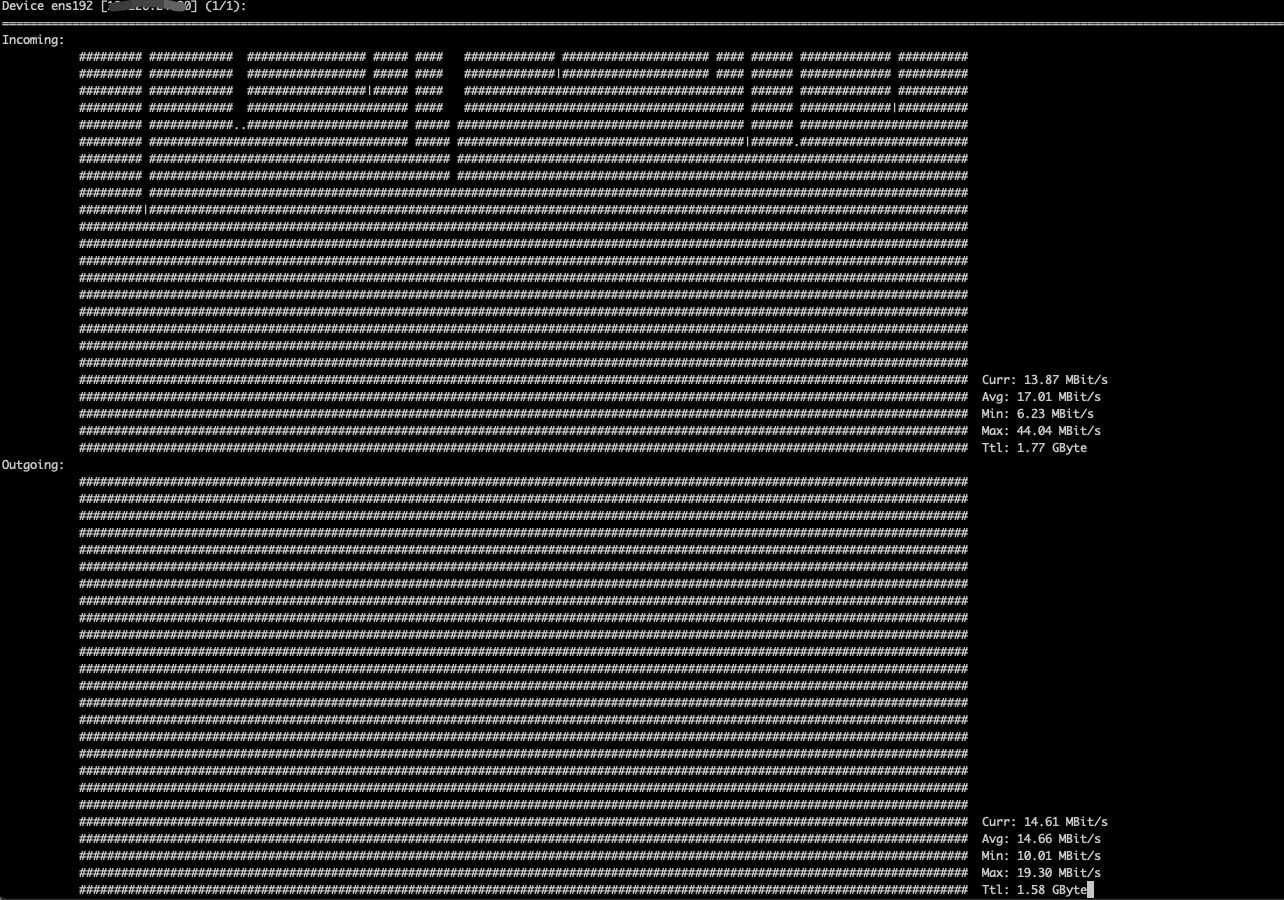
nload is a terminal tool for traffic monitoring. It reads the /proc/net/dev file and draws traffic graphs. Below is a brief introduction to using it.
1. Installation
If your system’s repositories cannot find the nload package, run the following command to add a new repository:
1
| yum install -y https://dl.fedoraproject.org/pub/epel/epel-release-latest-7.noarch.rpm
|
1
| apt-get install -y nload
|
2. Parameters
 1
 2
 3
 4
 5
 6
 7
 8
 9
10
11
12
13
14
15
16
17
18
19
20
21
| nload --help
Command line syntax:
nload [options] [devices]
nload --help|-h
Options:
-a period 设置用于计算平均数的时间窗口的长度,默认值 30 秒
-i max_scaling 进入流量图显示的最大比例,默认值 10240
-m 显示多个设备,但是没有流量图。
-o max_scaling 出去流量图显示的最大比例,默认值 10240
-t interval 数据刷新的时间间隔,默认是 500 毫秒
-u h|b|k|m|g 设置流量的单位
H|B|K|M|G h: auto, b: Bit/s, k: kBit/s, m: MBit/s etc.
H: auto, B: Byte/s, K: kByte/s, M: MByte/s etc.
Default is h.
-U h|b|k|m|g 和 u 参数一样,但是显示的是总量 (没有 "/s").
H|B|K|M|G Default is H.
devices 检测的网络设备,默认检测全部设备
示例: nload -t 200 -i 1024 -o 128 -U M
|
3. Usage
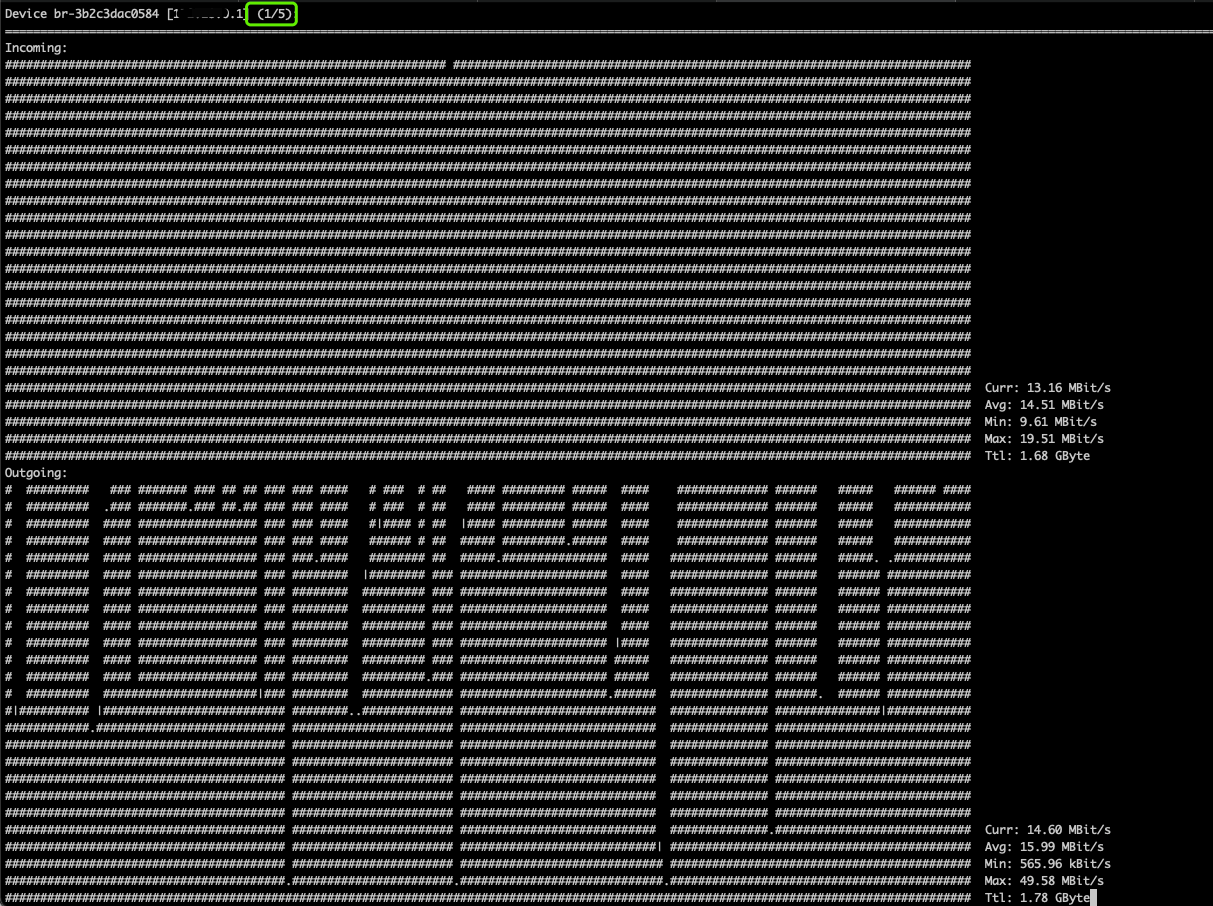
Specify a network interface