Recently, while using my Surface, I dug out the stylus and found it was out of battery. I swapped in a new AAAA battery, and then discovered the pen tip had stopped responding to touch.
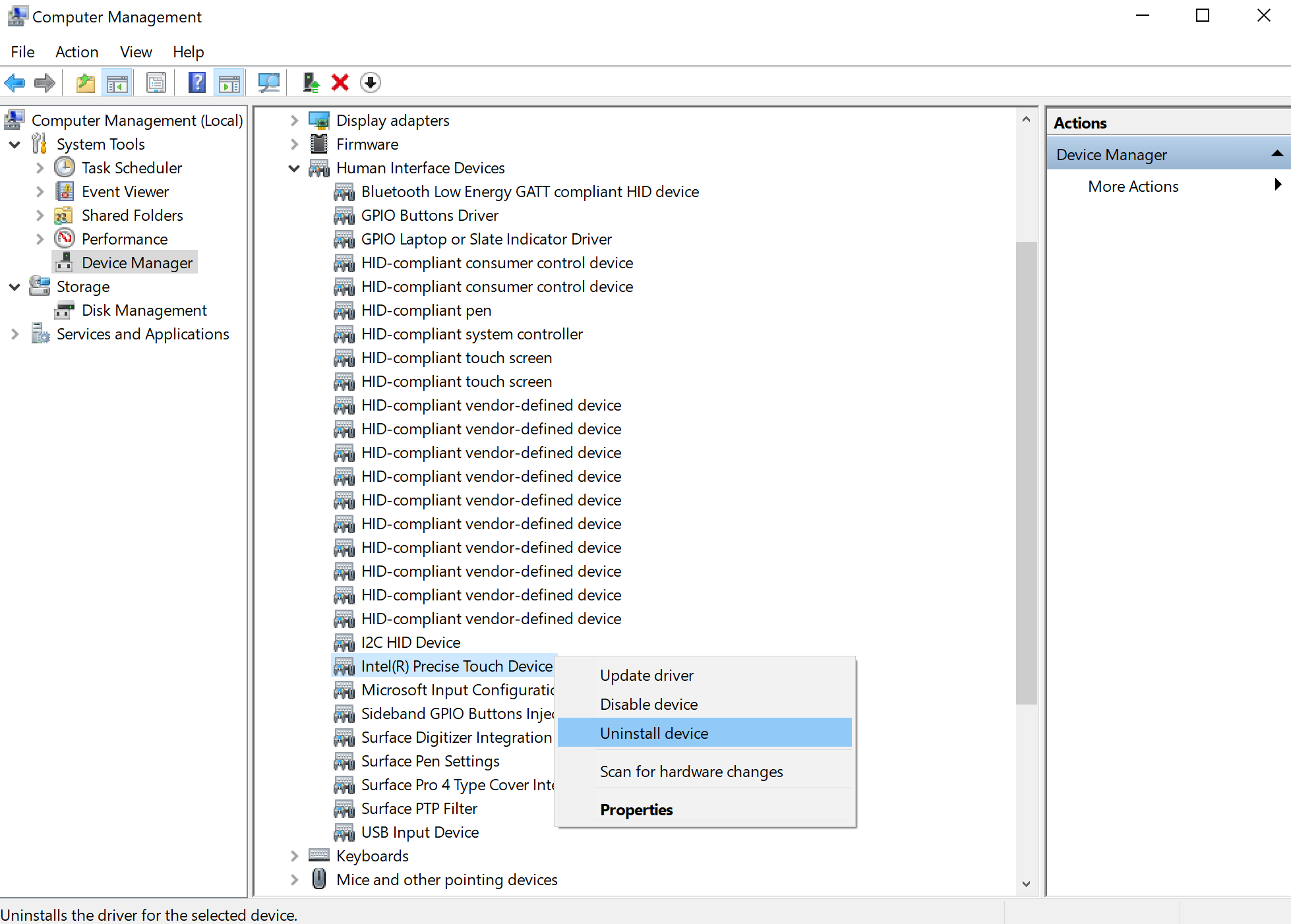
Many documents online recommend uninstalling Marvell AVASTAR Bluetooth and rebooting for this to take effect. But that method did not work for me; uninstalling Precise Touch Device is what actually worked.
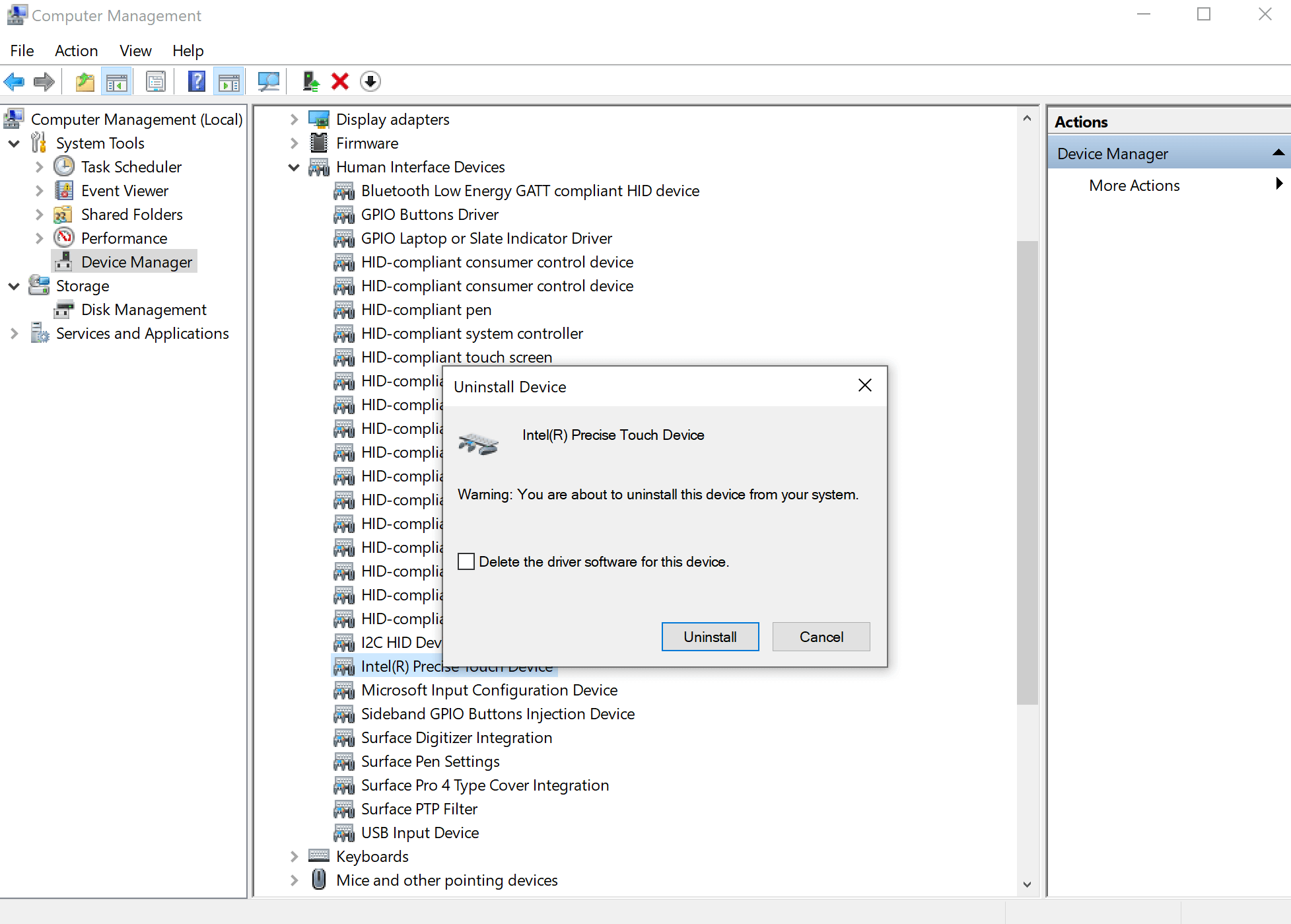
In Device Manager, find the option shown in the image below, right-click to uninstall, no need to check the delete box, just confirm, then reboot for it to take effect.