1. Download the Image File
Click here, and from the CloudReady website download the DOWNLOAD 64-BIT or DOWNLOAD 32-BIT image. After extracting it, you get a cloudready-free-xxx-bit.bin file.
2. Install the Chromebook Recovery Utility
First install the Chrome browser, then open this page and install the Chromebook Recovery Utility.
3. Create the Image
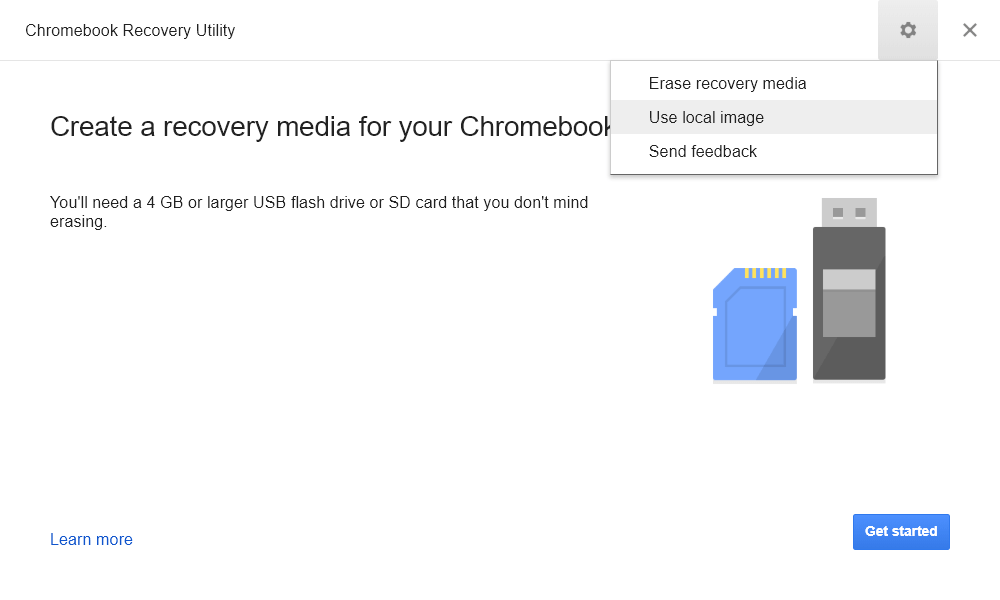
Step one, open the Chromebook Recovery Utility.
Step two, select Use local image, then choose the .bin file you just extracted.
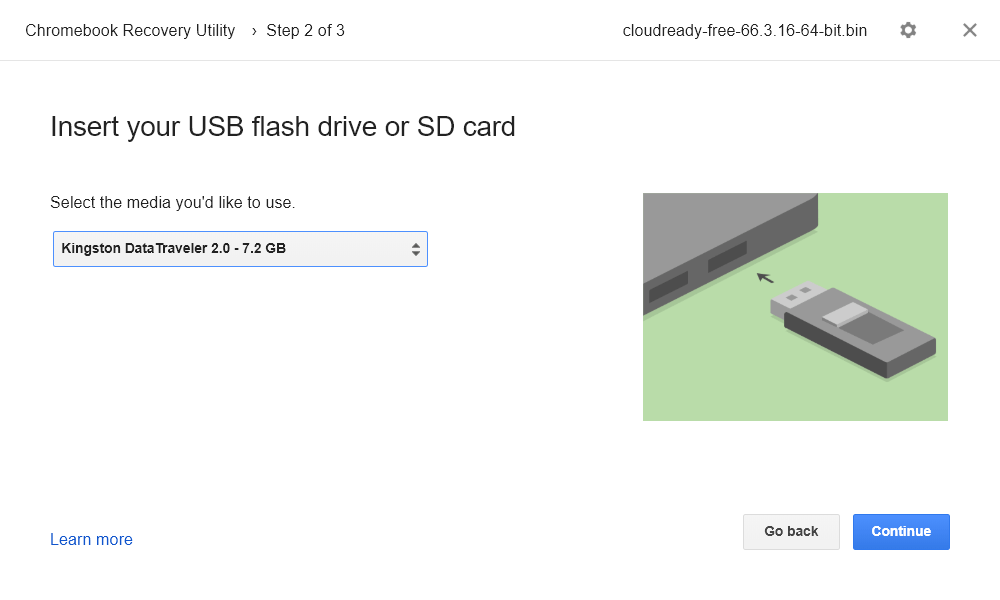
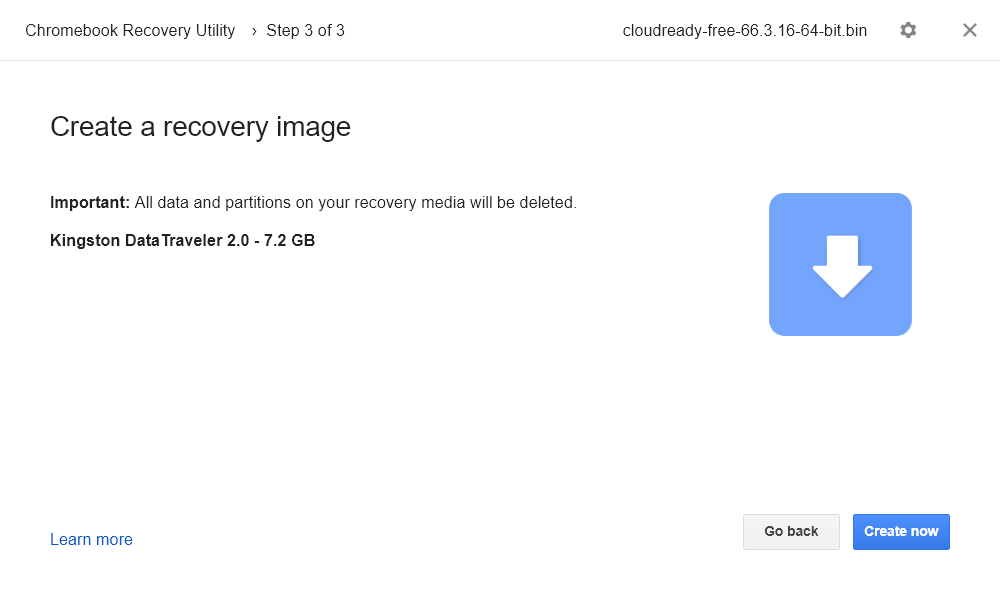
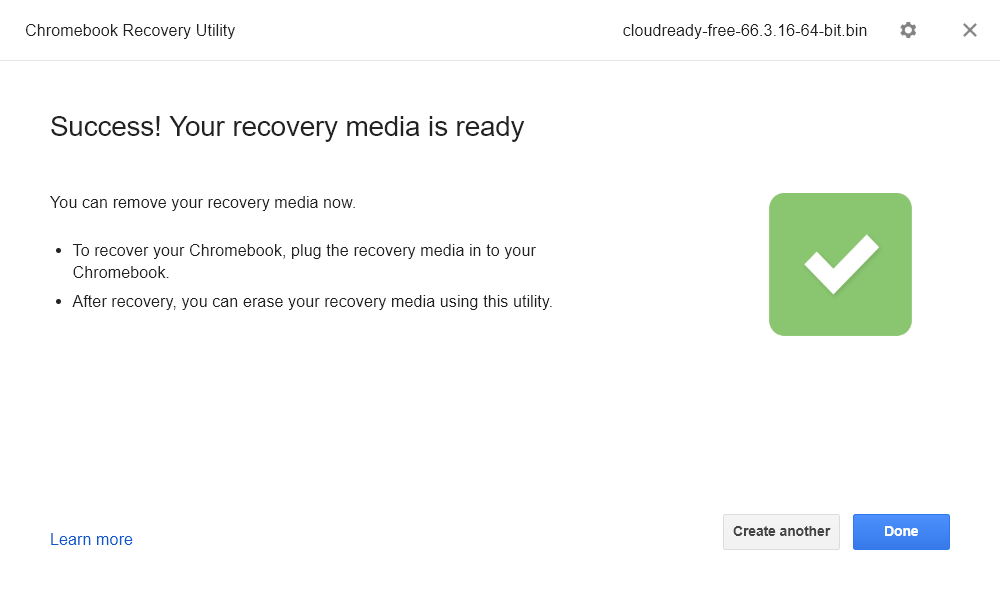
Step three, select your USB drive and then Continue.