1. Background and Prerequisites
Compared with Ext4, Btrfs is a younger file system with more features to play with — snapshots, subvolumes, checksum self-verification, software RAID, and even transparent compression.
That said, if you do not have the operations capability behind you, it is best not to use Btrfs. This article records the process of pulling a Btrfs disk out of a Synology DSM system and reading its data.
In my DSM system, two disks form a RAID1 array using the Btrfs file system. I pulled one of the disks out and inserted it into another Apple machine.
There are also prerequisites here: the DSM version must be 6.2 or later, and the MacOS machine must have Parallels Desktop with an Ubuntu version of 18.04 or later installed.
If you have a Windows machine, you can also try reading the files with the WinBtrfs driver.
2. Mounting the Disk on MacOS
- Check the newly inserted disk
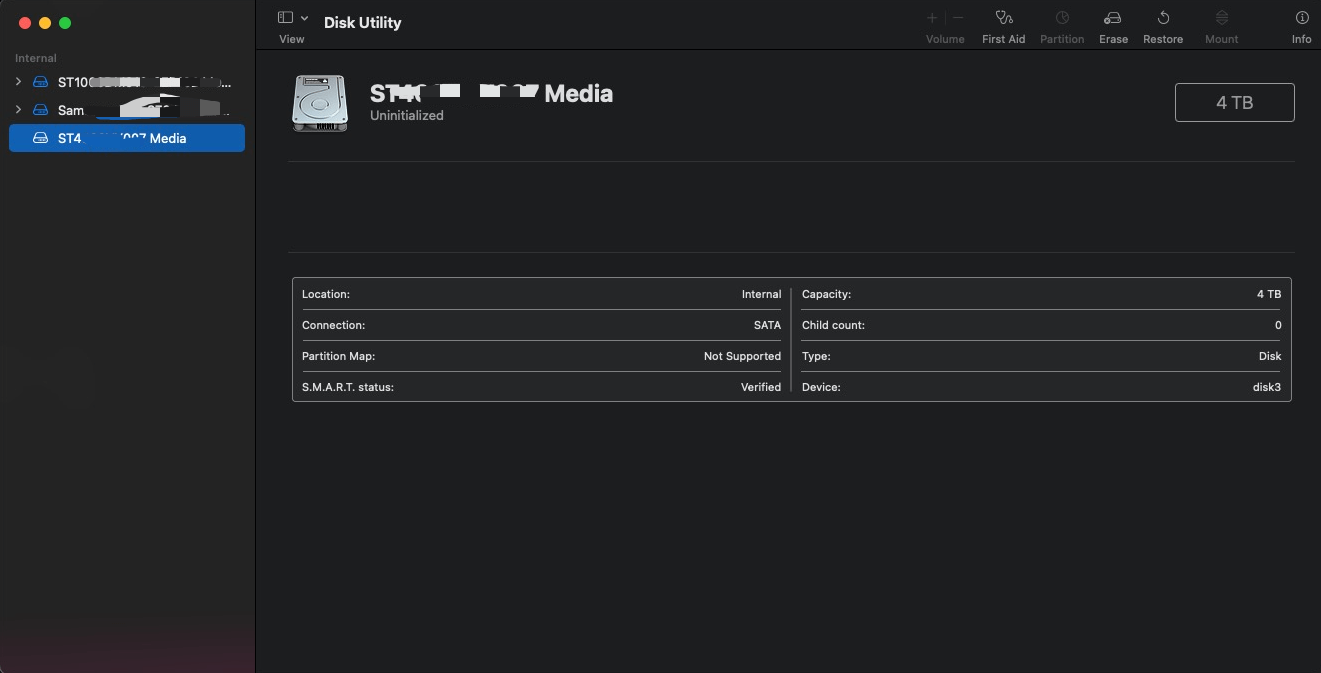
You can see that MacOS cannot recognize the Btrfs file system directly. Ignore the disk3 shown in the image — that is a replacement screenshot; originally it was disk2.
- Check disk information on MacOS
| |
- Use the PD command-line tool to mount the disk as a local file
Enter the Home directory
| |
Create a new disk pointing at the physical disk
| |
3. Mounting the Disk into the PD Ubuntu VM
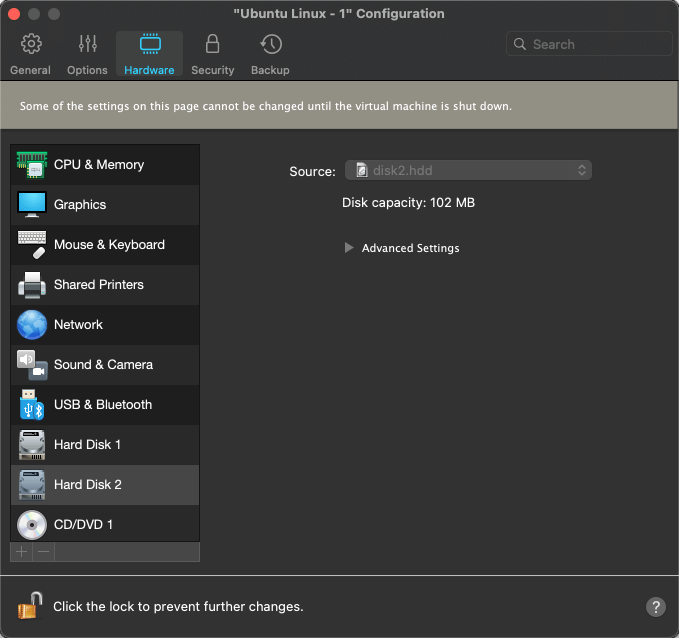
Enter Ubuntu, shut down the host, then edit the virtual machine, add a hard disk, choose an existing disk, and select the HDD-format file from the disk2.hdd created above.
4. Reading the Btrfs Partition on Ubuntu
- Switch to the root user
| |
- Install the basic software
| |
- Identify the file system
In the Disks tool, you can see the disk
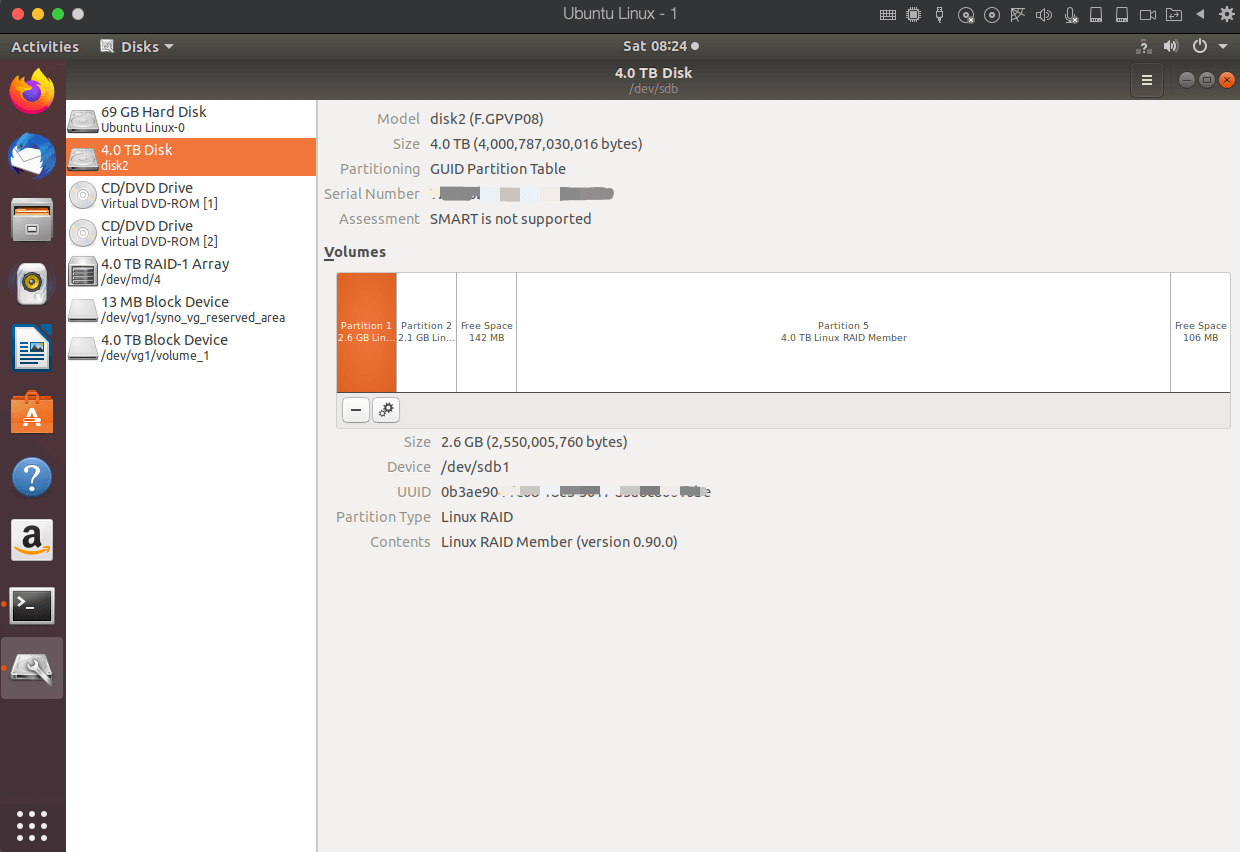
Automatically mount the partition
| |
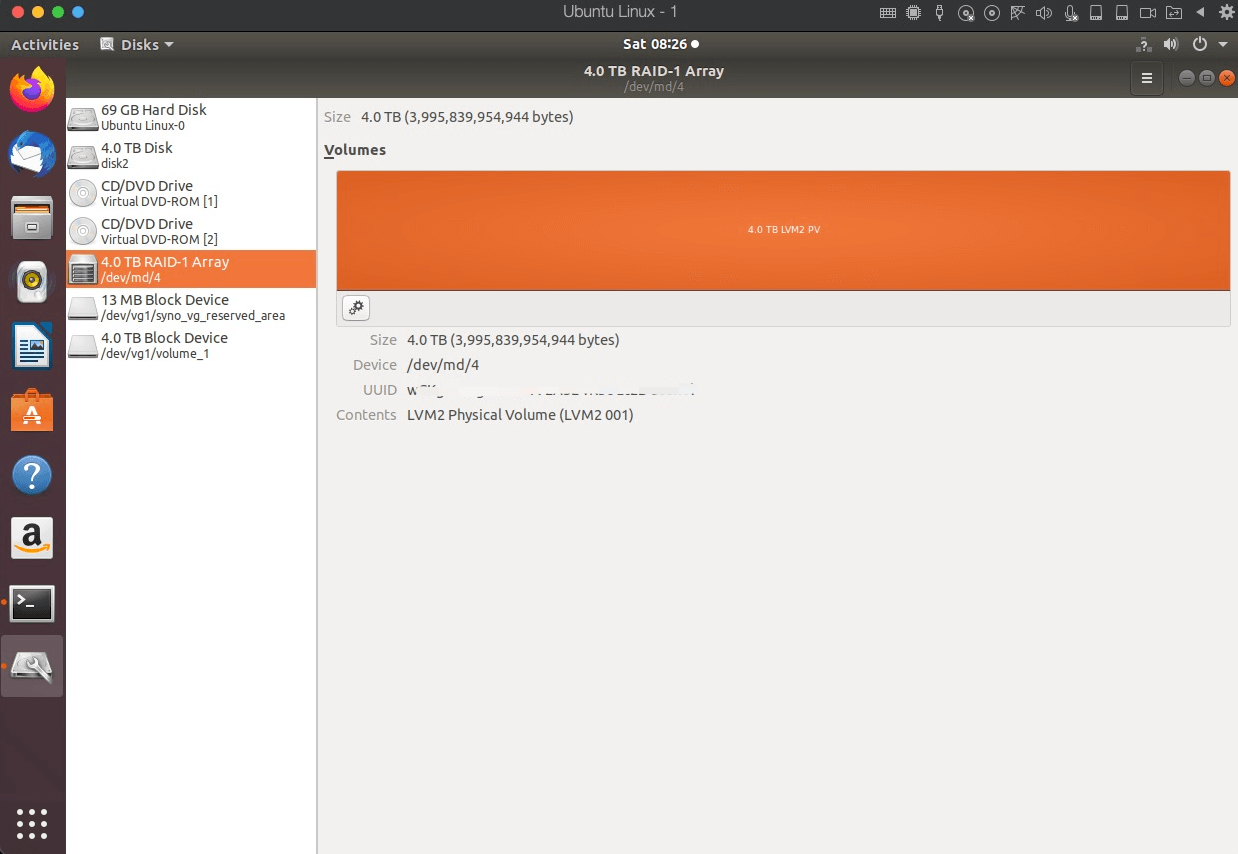
Check the /dev/md4 partition. If it is in the inactive state, unmount it and try again.
| |
- Mount
| |
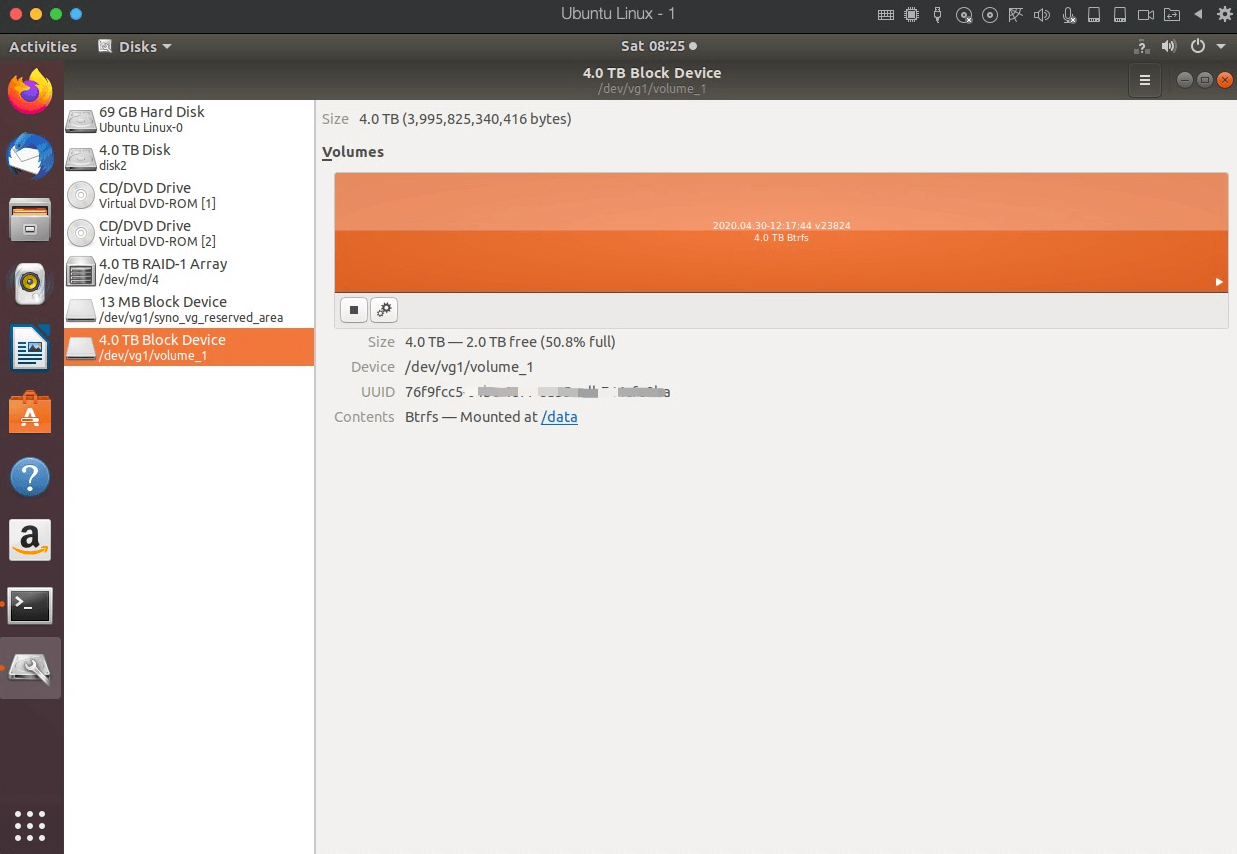
At this point, the data on the Btrfs disk partition is accessible under the /data directory in the Ubuntu system.
5. Mounting the Ubuntu Directory on MacOS to Access the Files
Accessing the data on the Btrfs disk partition from Ubuntu is not convenient enough, so here the directory inside PD Ubuntu is mounted into the MacOS system.
- Install sshfs and its dependencies
| |
- Mount the Ubuntu system’s data directory into MacOS
| |
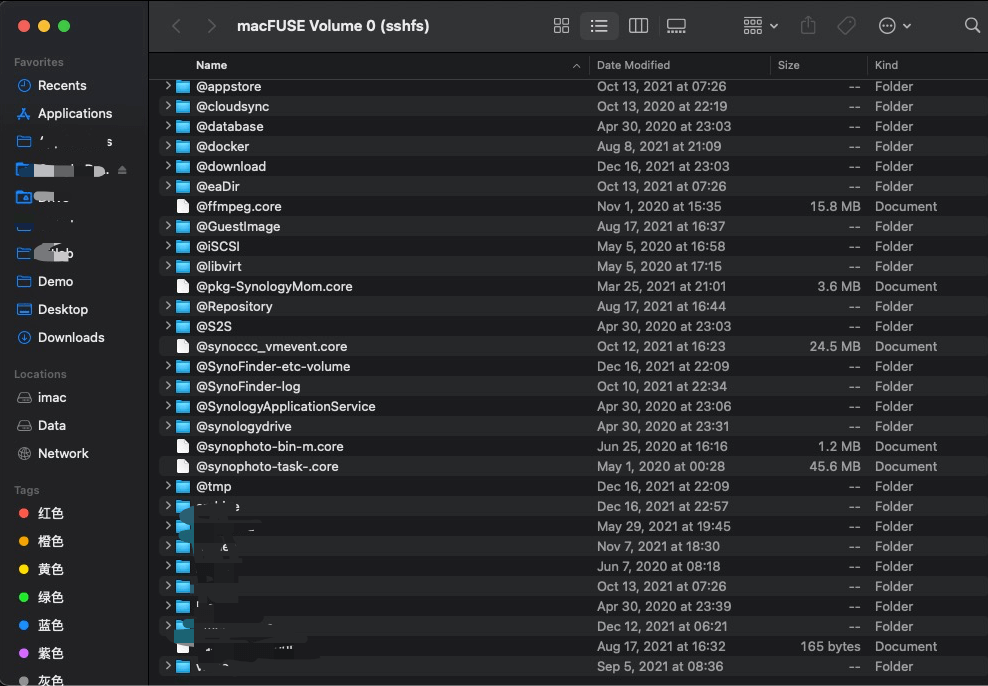
- View the data on the Btrfs disk partition on MacOS