1. Installing the Base Environment
Reference link: Install a Kubernetes Cluster Using Kubeadm
. It is worth noting that Kubeflow is not compatible with every version of Kubernetes, see system-requirements.
1
2
3
4
| kubectl version
Client Version: version.Info{Major:"1", Minor:"15", GitVersion:"v1.15.12", GitCommit:"e2a822d9f3c2fdb5c9bfbe64313cf9f657f0a725", GitTreeState:"clean", BuildDate:"2020-05-06T05:17:59Z", GoVersion:"go1.12.17", Compiler:"gc", Platform:"linux/amd64"}
Server Version: version.Info{Major:"1", Minor:"15", GitVersion:"v1.15.12", GitCommit:"e2a822d9f3c2fdb5c9bfbe64313cf9f657f0a725", GitTreeState:"clean", BuildDate:"2020-05-06T05:09:48Z", GoVersion:"go1.12.17", Compiler:"gc", Platform:"linux/amd64"}
|
1
2
| curl -s "https://raw.githubusercontent.com/kubernetes-sigs/kustomize/master/hack/install_kustomize.sh" | bash
mv kustomize /usr/local/bin/
|
1
2
3
| kustomize version
{Version:kustomize/v3.5.5 GitCommit:897e7b6e61e65188d846c32bd3af9ef68b0f746a BuildDate:2020-05-11T16:51:33Z GoOs:linux GoArch:amd64}
|
2. Installing Kubeflow
- Make sure there is a default StorageClass
1
2
3
4
| kubectl get sc
NAME PROVISIONER AGE
nfs-client (default) cluster.local/nfs-client-nfs-client-provisioner 8m57s
|
Reference link: Using StorageClass to Provide Dynamic PV Storage
1
| wget https://github.com/kubeflow/kubeflow/releases/download/v1.0/kfctl_v1.0-0-g94c35cf_linux.tar.gz
|
1
2
| tar -xvf *_linux.tar.gz
mv kfctl /usr/local/bin/
|
- Set the environment variables
1
2
3
4
5
6
7
| mkdir /home/kubeflow
export KF_NAME="mykubeflow"
export BASE_DIR="/home/kubeflow"
export KF_DIR=${BASE_DIR}/${KF_NAME}
export CONFIG_URI="https://raw.githubusercontent.com/kubeflow/manifests/v1.0-branch/kfdef/kfctl_k8s_istio.v1.0.2.yaml"
|
mkdir -p ${KF_DIR}
cd ${KF_DIR}
kfctl apply -V -f ${CONFIG_URI}
- Check the deployment status and wait for it to finish
1
| kubectl -n kubeflow get pod --watch
|
3. Viewing the UI Page
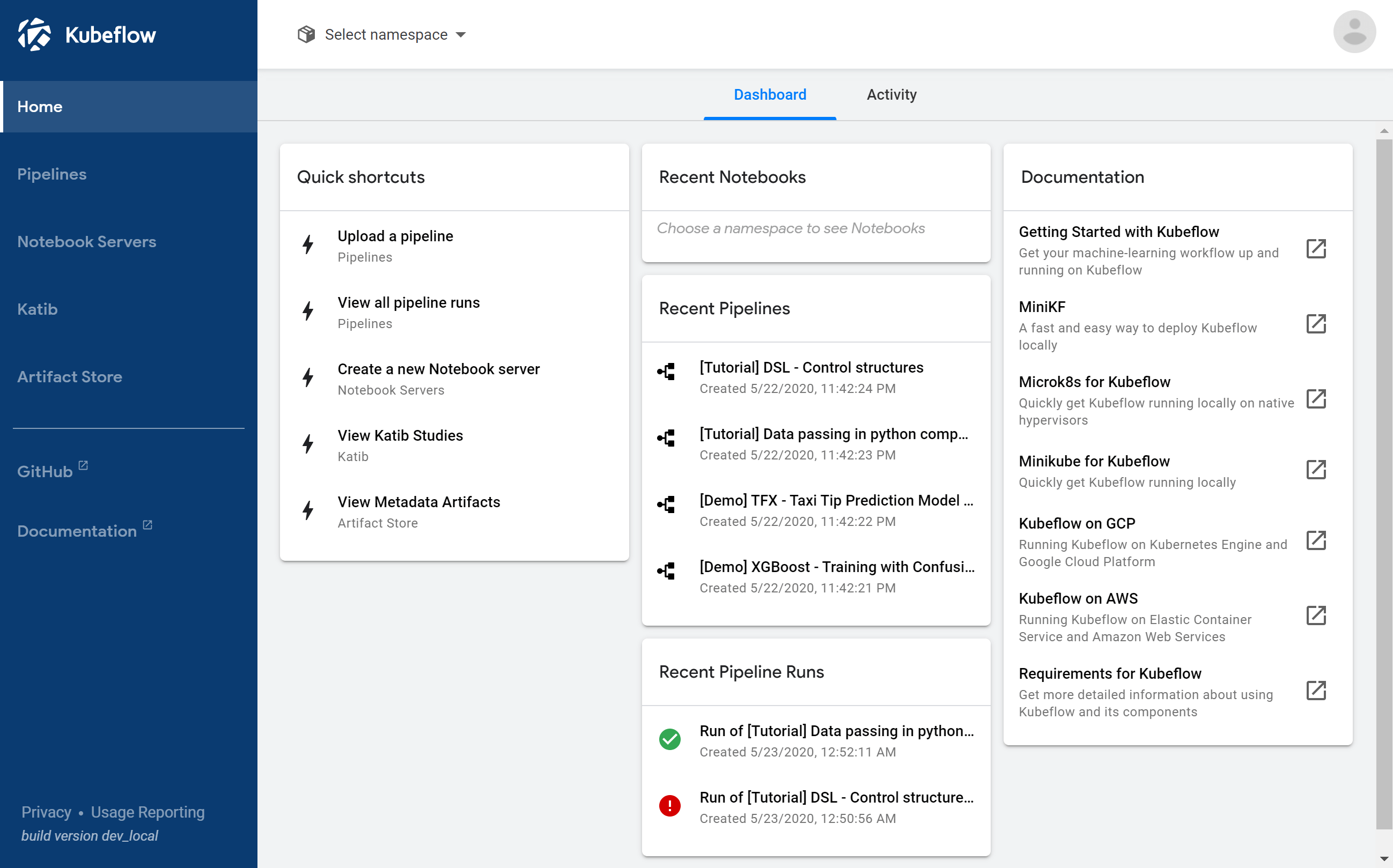
Kubeflow provides its access entry point through istio-ingressgateway. Since there is no LoadBalancer, here we change the service’s type to NodePort. Run the command:
1
| for i in 'istio-ingressgateway'; do kubectl patch service $i -p '{"spec":{"type":"NodePort"}}' -n istio-system; done
|
Check the access port:
1
2
3
| kubectl get svc -n istio-system | grep istio-ingressgateway
istio-ingressgateway NodePort 10.233.27.126 <none> 15020:32305/TCP,80:31380/TCP,443:31390/TCP,31400:31400/TCP,15029:31128/TCP,15030:32594/TCP,15031:31617/TCP,15032:31969/TCP,15443:32559/TCP 1h
|
Open the page, http://{HOST_IP}:31380