Sharpening the axe never delays the woodcutting. No matter when, the time you spend on your toolchain is always worth it.
1. Autocompletion - kubectl
OS X install command:
| |
It is not just for kubectl — it provides completion prompts for other command lines too.
Add the following to .zshrc:
| |
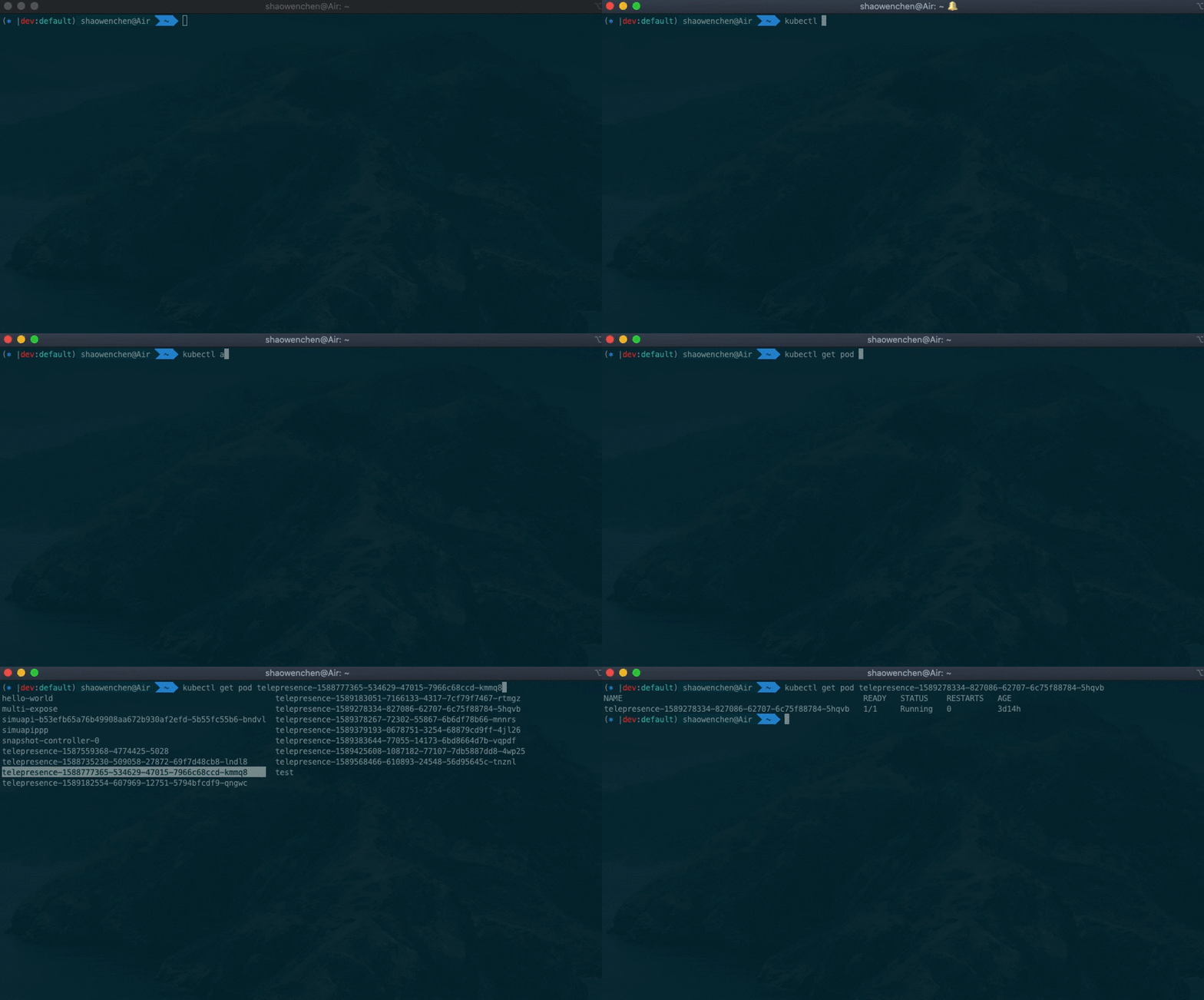
When you type the kubectl get pod command, pressing Tab lists the resources of the current type automatically; if there are no such resources, it lists the directory files.
2. Environment Switching and Management - kubectx
OS X install command:
| |
It provides two command-line tools:
- kubectx, switch between clusters

- kubens, switch between Namespaces

3. Show the Current Environment in the Command Line - kube-ps1
OS X install command:
| |
Add the following to .profile:
| |
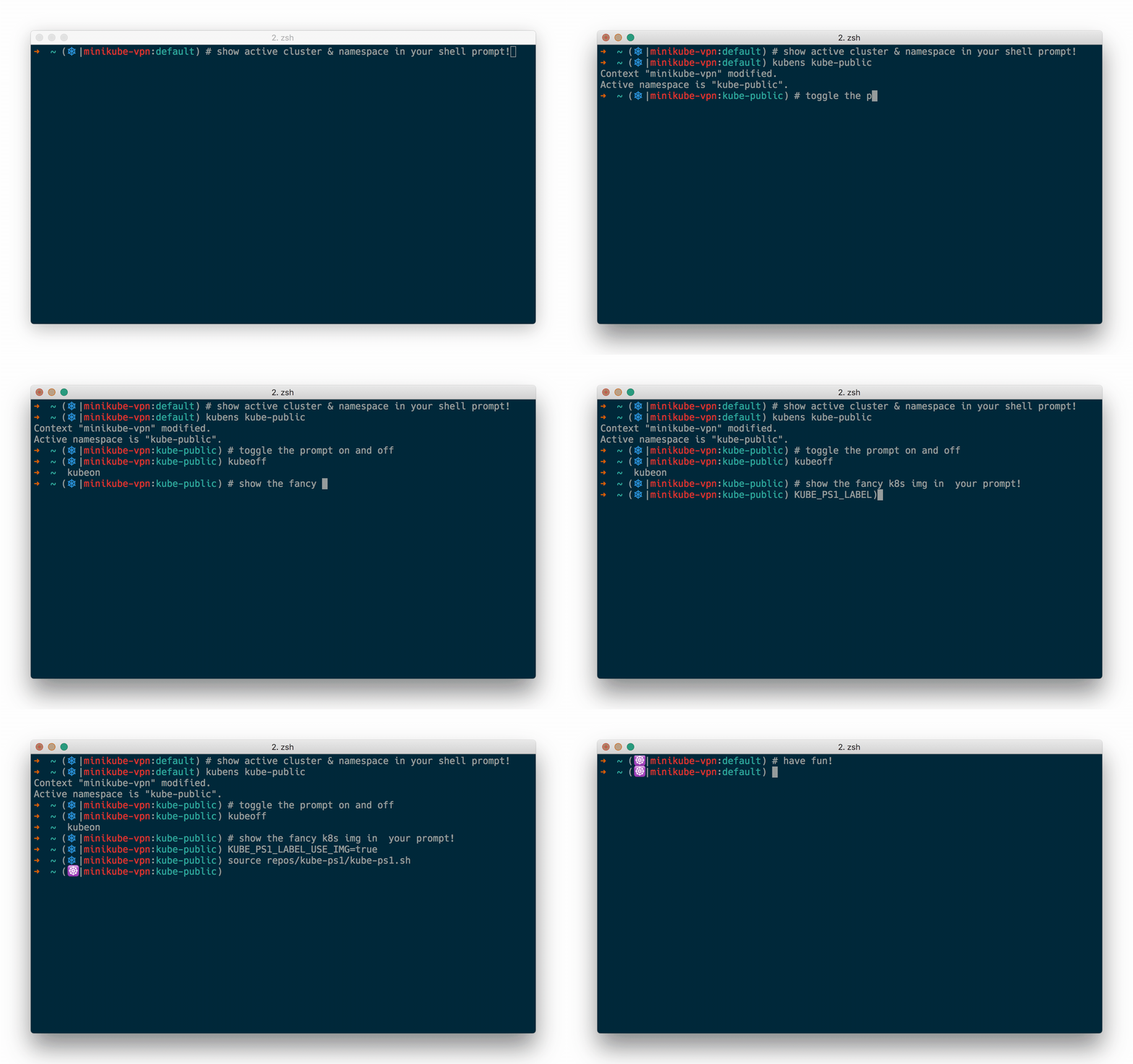
But the context names configured in config are usually long and hard to distinguish, so you need to change them:
| |
Replacing kubernetes-admin@cluster.local with dev can be used together with Quickly Switching Between Different Kubernetes Environments Locally.
4. Interactive Command - kube-prompt
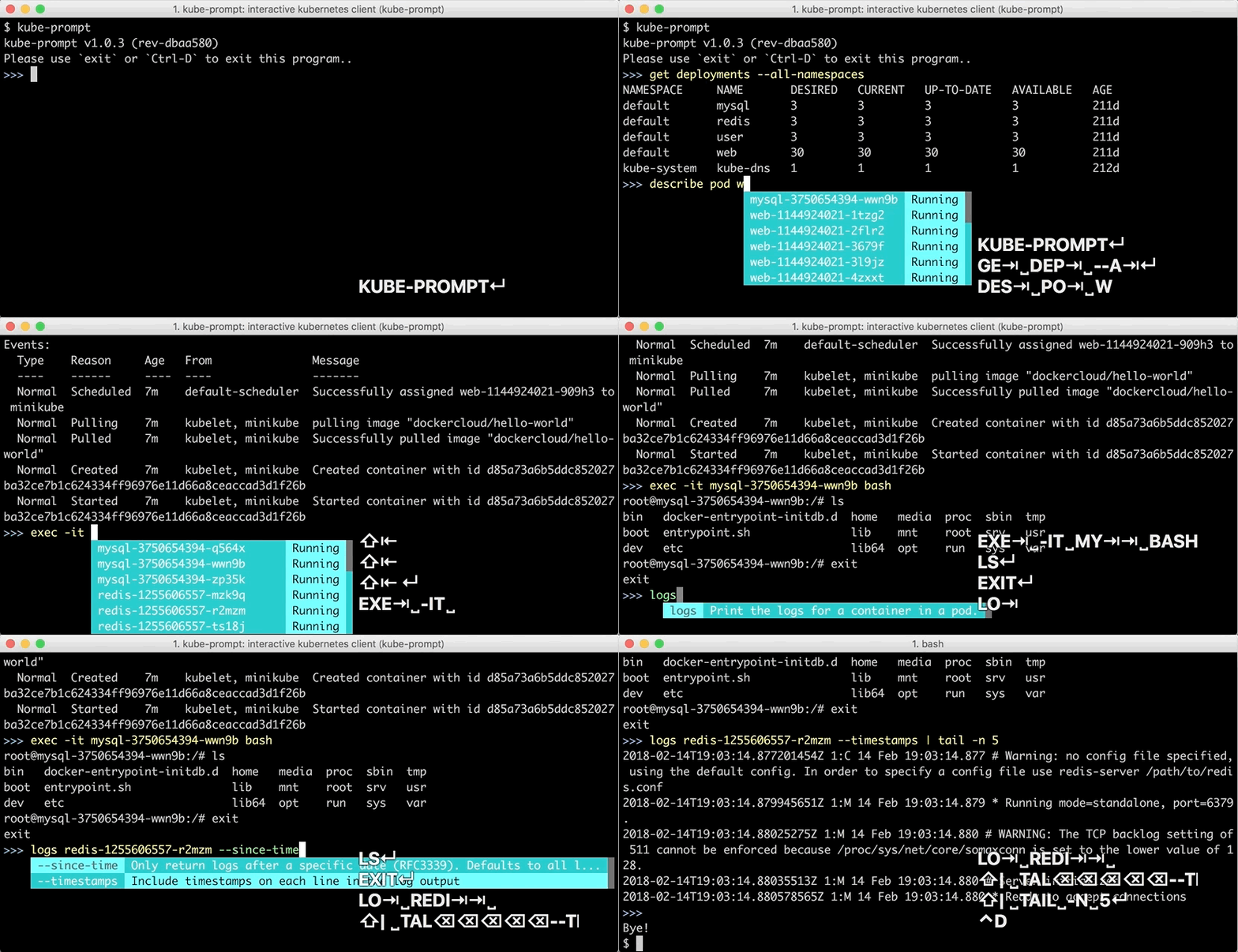
kube-prompt lets users omit the kubectl they would otherwise have to type every time, and also provides some interactive autocompletion. kube-shell also offers interactive autocompletion, but it has not been updated for a long time; install it with pip install kube-shell, and it may come in handy on a server.
Install command:
| |
To start using it:
| |