1. Deploy the Ingress Controller
- Check the Kubernetes version
1
2
3
4
| kubectl version --short
Client Version: v1.21.4
Server Version: v1.21.4
|
- Find a compatible Nginx Ingress version
| Helm Chart version | Highest available Helm Chart version | Compatible K8s version |
|---|
| 3.x.x | 3.36.0 | 1.16+ |
| 4.x.x | 4.4.2 | 1.19+ |
Reference: https://github.com/kubernetes/ingress-nginx
- Install the Nginx Ingress Controller
1
2
3
| helm upgrade --install ingress-nginx ingress-nginx \
--repo https://kubernetes.github.io/ingress-nginx \
--namespace ingress-nginx --create-namespace --version v4.4.2
|
 1
 2
 3
 4
 5
 6
 7
 8
 9
10
11
12
| kubectl -n ingress-nginx get svc
NAME TYPE CLUSTER-IP EXTERNAL-IP PORT(S) AGE
ingress-nginx-controller LoadBalancer 10.233.11.232 <pending> 80:30914/TCP,443:31493/TCP 14m
ingress-nginx-controller-admission ClusterIP 10.233.56.67 <none> 443/TCP 14m
kae@node1:~$ kubectl -n ingress-nginx get pod,svc
NAME READY STATUS RESTARTS AGE
pod/ingress-nginx-controller-666f45c794-h2zk9 1/1 Running 0 14m
NAME TYPE CLUSTER-IP EXTERNAL-IP PORT(S) AGE
service/ingress-nginx-controller LoadBalancer 10.233.11.232 <pending> 80:30914/TCP,443:31493/TCP 14m
service/ingress-nginx-controller-admission ClusterIP 10.233.56.67 <none> 443/TCP 14m
|
2. Add the Secret
1
2
3
| htpasswd -nb 'admin' 'xxxxxx' | base64
xxxxxxxxxxxxxxxxxxxxxx
|
The login user is admin and the login password is xxxxxx
- In the namespace where the service lives, add the credential
 1
 2
 3
 4
 5
 6
 7
 8
 9
10
| cat <<EOF | kubectl apply -f -
apiVersion: v1
kind: Secret
type: Opaque
metadata:
namespace: longhorn-system
name: basic-auth
data:
auth: "xxxxxxxxxxxxxxxxxxxxxx"
EOF
|
3. Add the Ingress Forwarding Rule
 1
 2
 3
 4
 5
 6
 7
 8
 9
10
11
12
13
14
15
16
17
18
19
20
21
22
23
24
| cat <<EOF | kubectl apply -f -
kind: Ingress
apiVersion: networking.k8s.io/v1
metadata:
name: longhorn-ingress
namespace: longhorn-system
annotations:
kubernetes.io/ingress.class: nginx
nginx.ingress.kubernetes.io/auth-type: basic
nginx.ingress.kubernetes.io/auth-secret: basic-auth
nginx.ingress.kubernetes.io/auth-realm: "Authentication Required"
spec:
rules:
- host: longhorn.chenshaowen.com
http:
paths:
- path: /
pathType: Prefix
backend:
service:
name: longhorn-frontend
port:
number: 80
EOF
|
nginx.ingress.kubernetes.io/auth-type: basic and nginx.ingress.kubernetes.io/auth-secret: basic-auth specify that the authentication method is Basic and the authentication secret is basic-auth.
4. Access the Service
- On the client host, add a hosts entry pointing to the cluster host
The domain is the host configured in the Ingress, here longhorn.chenshaowen.com
- Access the service using the domain
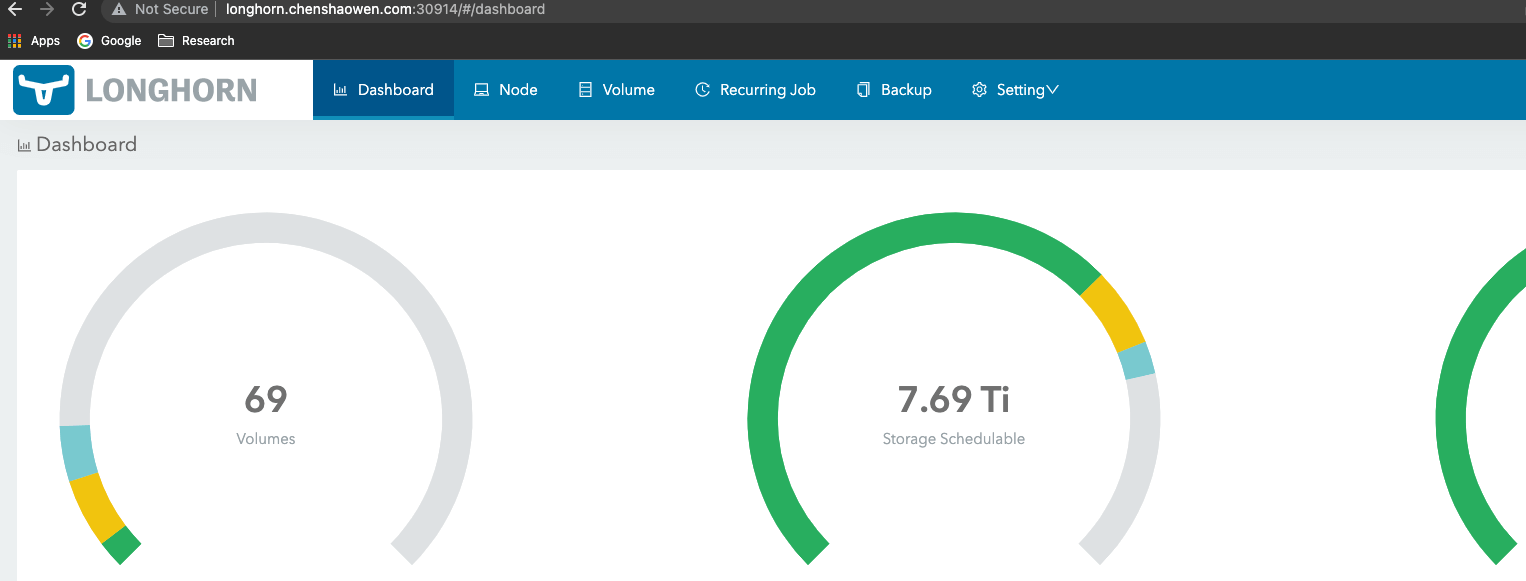
Because the Ingress Controller maps its port 80 to port 30914 on the host, the service is reachable at longhorn.chenshaowen.com:30914.
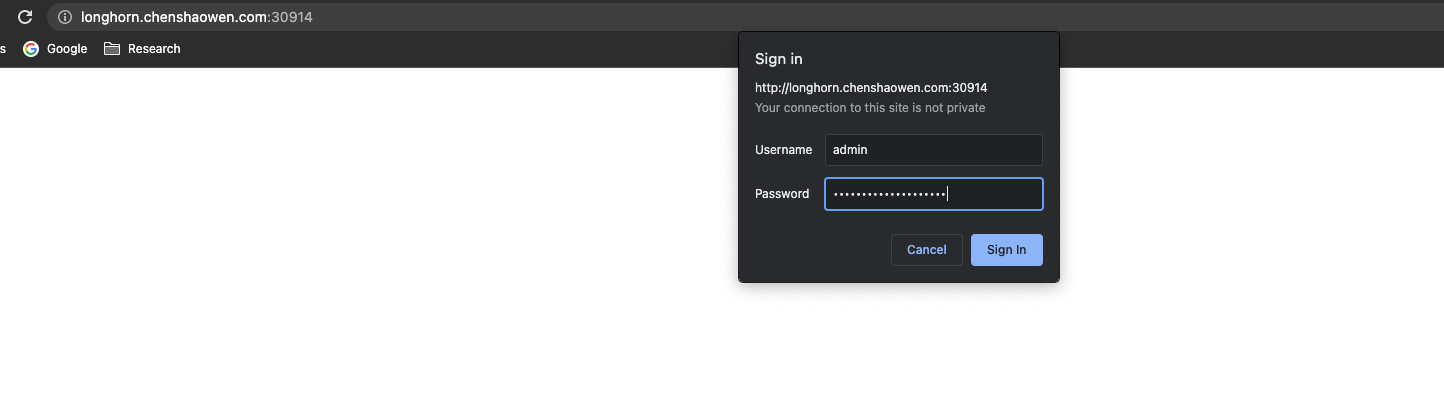
After entering the account admin and the password xxxxx above, you can view the service. As shown below: