This article mainly offers optimization advice on Django fields and queries, and also introduces a performance analysis tool called Django-silk. I hope it helps you develop high-performance Django projects.
1. DBA’s Advice
1.1 Table Field Design
- Avoid null values; null values are hard to optimize queries around and take up extra index space
- Prefer INT over BIGINT, and describe fields as accurately as possible
- Use enums or integers instead of string types
- Use TIMESTAMP instead of DATETIME
- Do not put more than 20 fields in a single table
- Store IPs as integers
1.2 Indexes
- Create indexes on Where and Order By operations
- Fields with sparse value distribution are not suitable for indexing
- Strings are best not used as primary keys
- Enforce UNIQUE at the application layer
1.3 SQL Queries
- Do not perform column arithmetic, which may cause a table scan
- Avoid %xxx-style queries
- Reduce JOIN operations
- Use LIMIT to fetch paged data rather than fetching everything
2. Django Model Advice
The correspondence between ORM and DB:
| ORM | DB |
|---|---|
| Class | Data table |
| Object | Data row |
| Property | Field |
- Field index
Use db_index=True to add an index
| |
- Composite index
Create an index using the field names combined together
| |
- Composite unique index
The names of the fields combined together are unique; this can be multiple tuples or a single tuple.
| |
| |
3. Query Advice
3.1 select_related Solves the N + 1 Query on Foreign Key Relationships
select_related uses a multi-table join to fetch all the data in one go, reducing the number of queries. That may still not be clear enough, so look at the example below:
| |
If you need to query the house information for a certain country and then serialize it, the usual approach might be to write it like this:
| |
Because of Django’s Lazy behavior, performing the filter operation does not fetch the country’s name field; it is queried in real time when used. This produces a large number of database queries.
Using select_related avoids this situation by fetching the foreign key value in one go.
| |
3.2 prefetch_related Solves the N + 1 Query on Many-to-Many Relationships
prefetch_related is mainly aimed at optimizing one-to-many and many-to-many relationships. Look at an example:
| |
If you need to query the Tag information of a specified Article and then serialize it, the usual approach might be to write it like this:
| |
Likewise, the query above produces an N + 1 problem, causing a large amount of IO consumption. Using prefetch_related avoids continuously performing database queries inside the loop.
| |
3.3 Query Only the Data You Need
By default, a Django query fetches all the fields in the ORM. But in real use cases we only care about certain fields. To save the time spent querying redundant fields, you can use these two functions Django provides:
- defer(), which specifies which fields not to load immediately
| |
- only(), which specifies which fields to load immediately and ignores the rest
| |
The use of defer and only is very flexible: you can defer loading in a chain, load gradually in a chain, or mix the two.
4. The Django-silk Performance Testing Tool
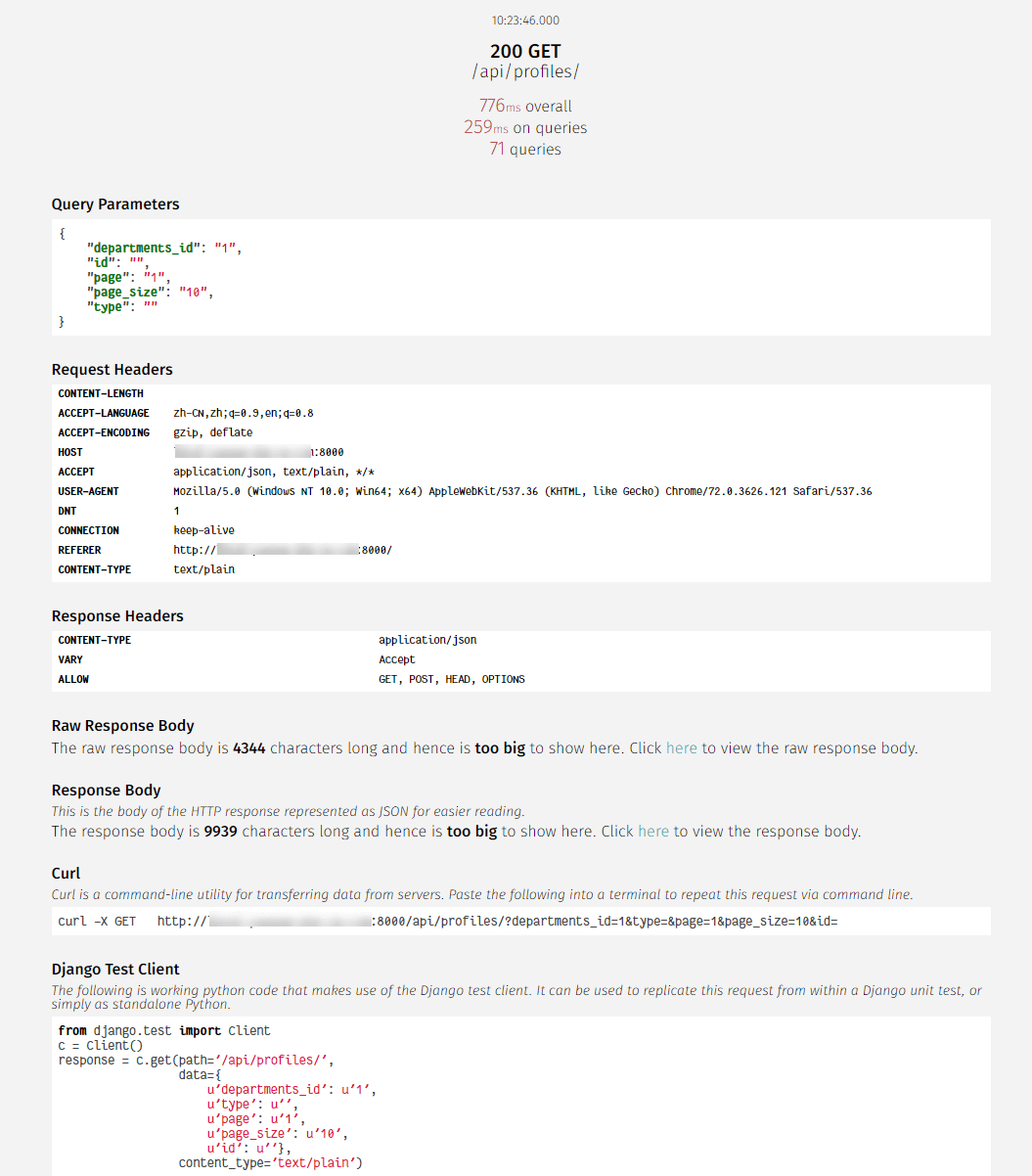
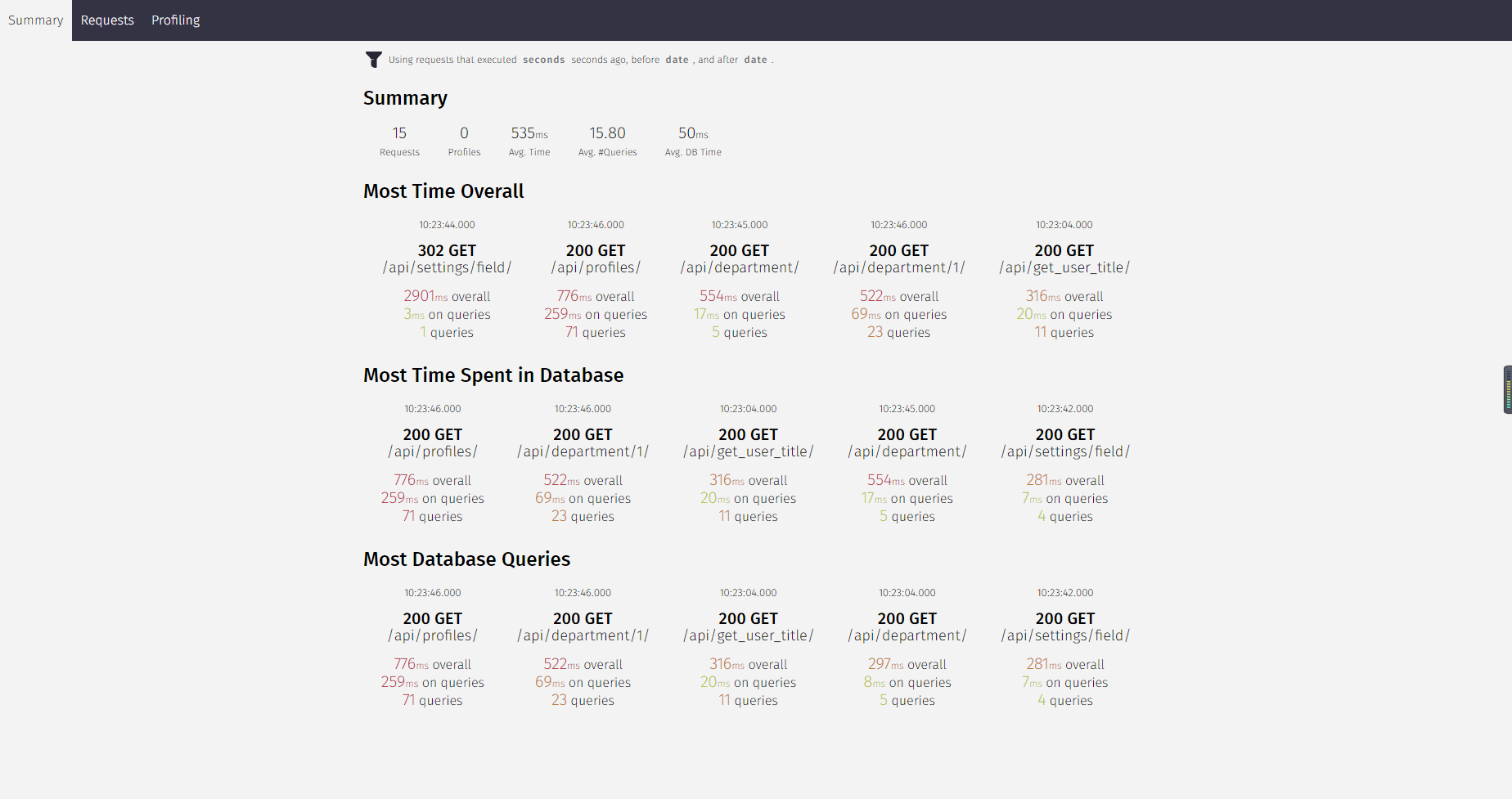
Django-silk is a performance analysis tool for Django, providing performance analysis reports for Django, the SQL statements of APIs, execution times, and so on.
- Installation
| |
- Configuration
Add the following configuration in settings.py:
| |
Add the following configuration in urls.py:
| |
- Create the data tables
| |
- After the project has been running for a while, check the performance analysis report
Overview
API details