1. Test Layering
The purpose of testing is to verify expected behavior and uncover latent defects. Testing strengthens confidence that a qualified product can be delivered, and it is what makes agile iteration possible. You could say that testing determines the development pace of a product.
The network model has the seven-layer OSI and the four-layer TCP, while development patterns include MTV, MVC, MVP, MVVM, and so on. High cohesion, low coupling; dividing responsibilities, splitting into modules, and layering. Then structuring and standardization, as the technology gradually matures.
Testing, too, is divided into UI testing, API testing, and unit testing. Testing is not a new technology; it is more a balance between output and cost.
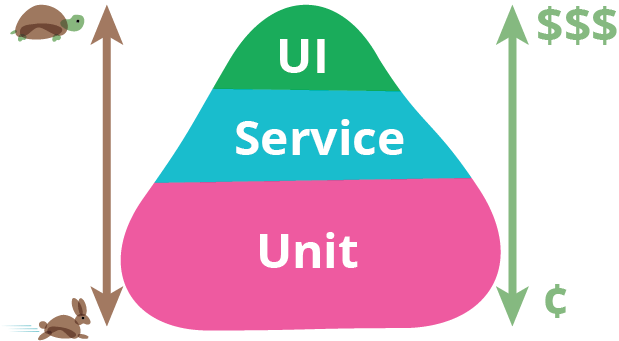
As shown above, this is a test pyramid. The higher you go, the higher the cost, the higher the demands on the environment, the longer the execution time, and the more troublesome the maintenance — but the closer you get to the end user’s scenario. In How Google Tests Software, according to Google’s experience, the ratio of test cases at each layer is 70:20:10, that is, 70% unit tests, 20% API tests, and 10% UI tests.
This post is mainly about how to use Jenkins to run automated tests on a Kubernetes cluster. Previous articles have already touched on parts of testing, such as unit tests, agile development, and Robotframework, so I will not elaborate on those here.
2. Unit Testing
Unit tests run very frequently, and every code commit should trigger a run. Unit tests have few dependencies and usually only need a container runtime.
Below is an example of running unit tests with golang:latest.
| |
Execution log:
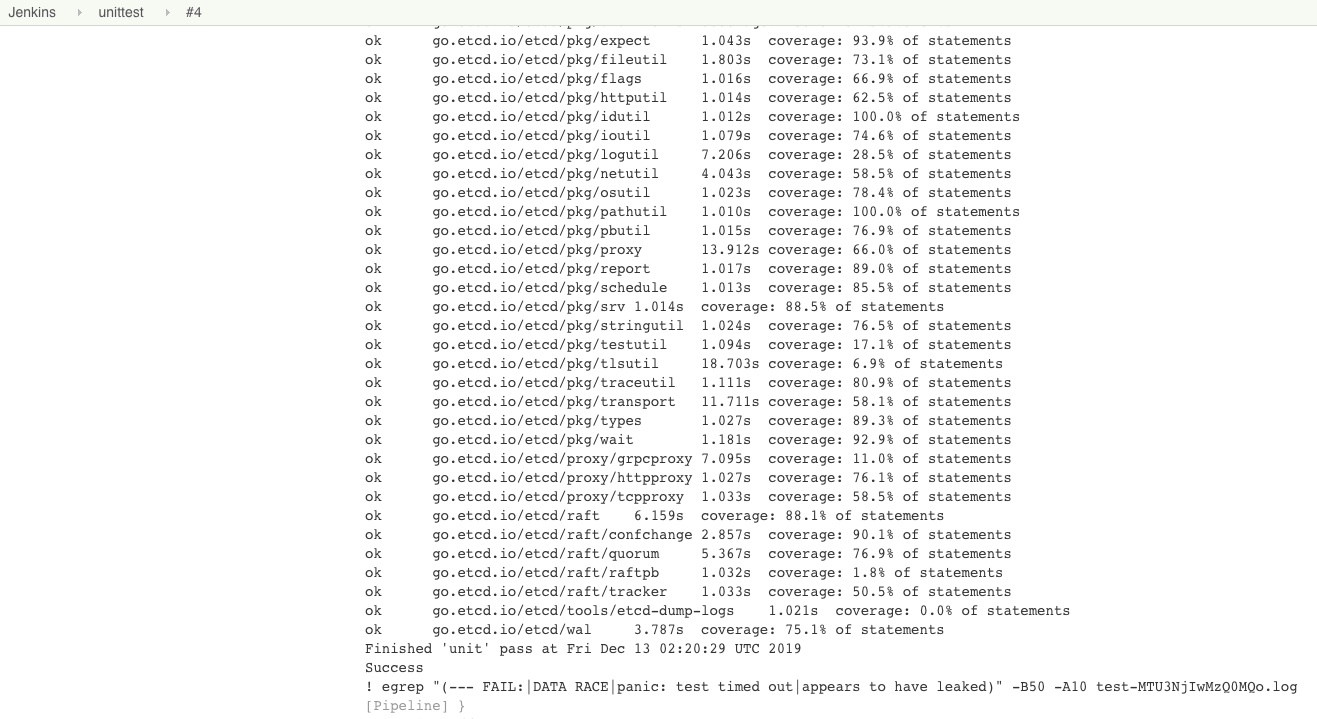
For other languages and frameworks, unit tests can also be run conveniently on Kubernetes by installing a few packages and mocking the relevant services. What is more worth exploring is the technique of writing unit tests, not the runtime or the unit-testing approach.
3. API Testing
If a team’s automated testing is just getting started, API automated testing is a very good entry point.
Unit tests are mainly written by the R&D team. In the process of rapid iteration, experienced engineers will not forget to write unit tests. The faster the refactoring and changes, the less of a burden testing becomes — on the contrary, it becomes more important. If unit tests are not written, you can only say that they are not valued. Pushing forward something that the executors do not value and whose benefits managers can hardly see is very difficult.
UI automated testing, meanwhile, is often replaced by manual testing. At the same time, maintaining UI automated tests is costly, and during rapid iteration you should not do too much UI automated testing.
The advantage of API testing is that, under a front-end/back-end separation architecture, the API documentation and materials are relatively complete, and team members are relatively familiar with the APIs, which is conducive to testing.
Below is an example of API automated testing using Postman:
| |
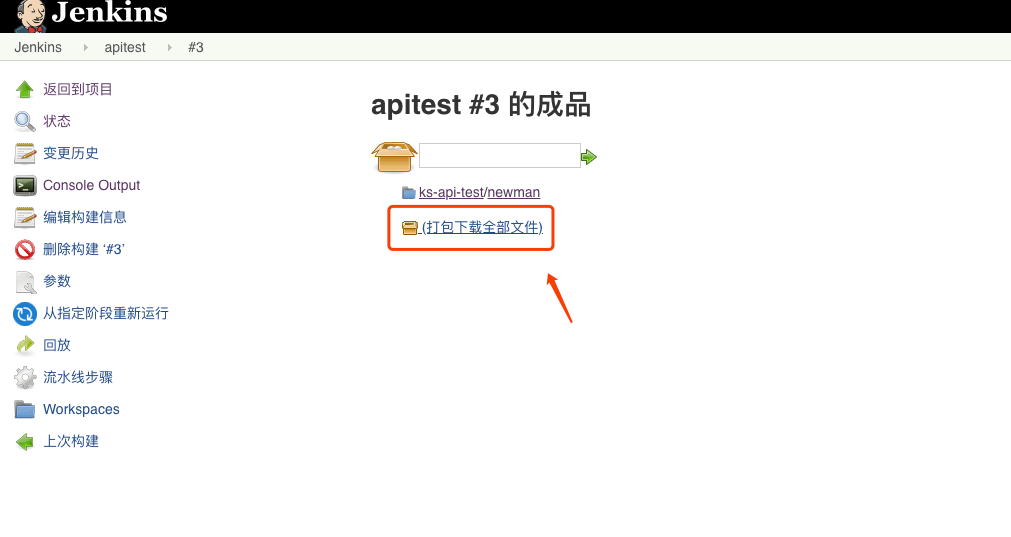
The archive after execution:
View the report:
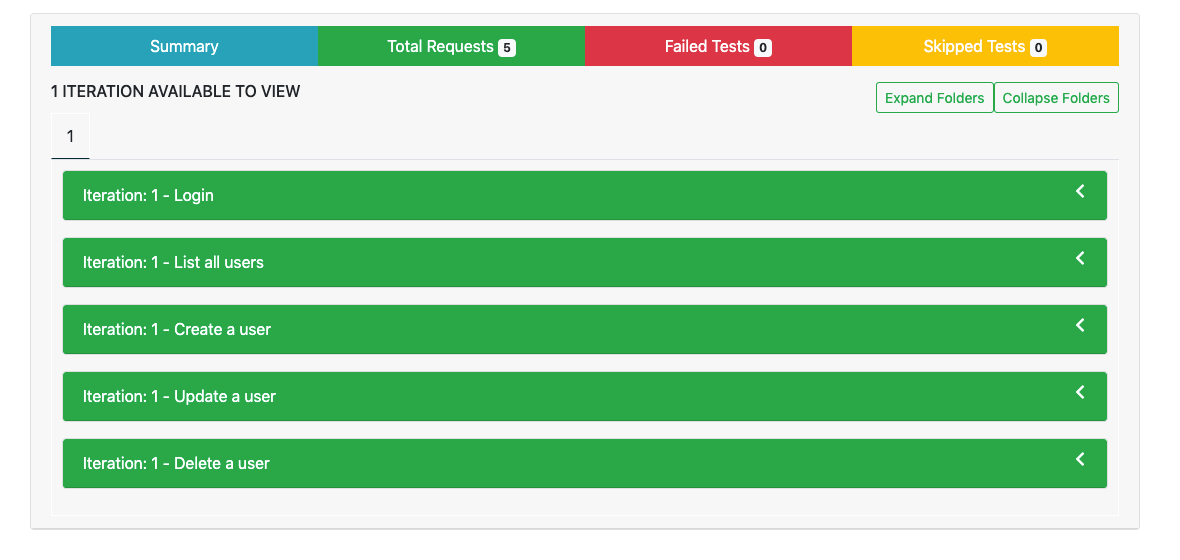
An API automated testing framework is easy to build; it only needs a few features:
- Interface requests
- Response assertions
- Request orchestration
- Report generation
But you must choose a suitable approach based on the team’s API testing and delivery habits. You can develop your own or use existing tools. The choice above is the Postman + Newman approach, because the team generally uses Postman for API testing.
What remains is how to organize everyone to test — you can have each person commit files to a common repository, or use the paid version of Postman to share data and test centrally.
4. UI Testing
UI automated testing is costly for several reasons:
- Test cases are hard to maintain. Front-end styles change, product logic changes.
- It is difficult to provide a stable runtime environment. All kinds of timeouts and dirty data lead to a high failure rate.
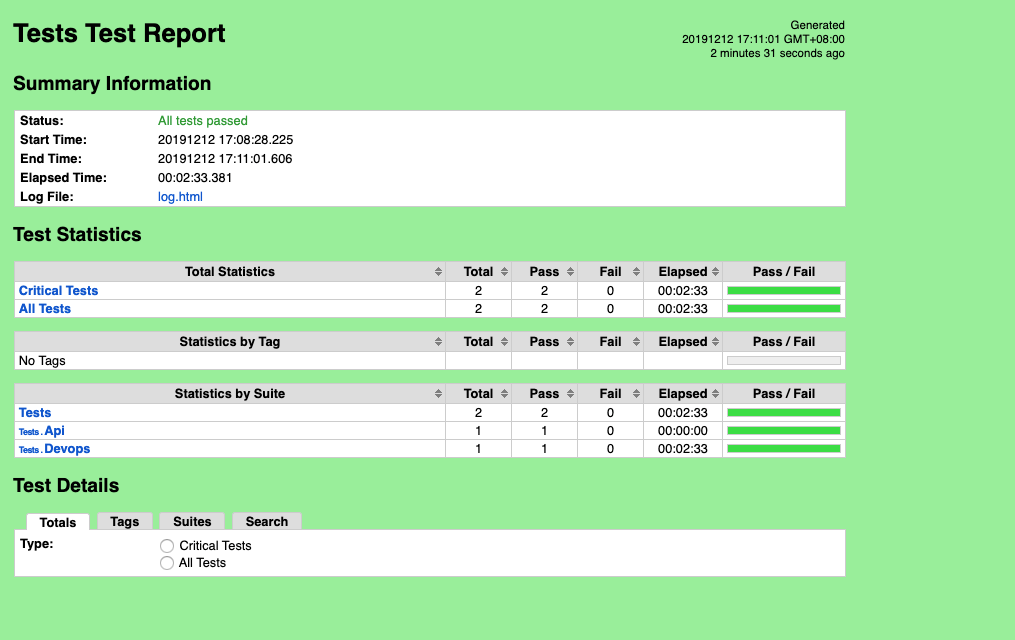
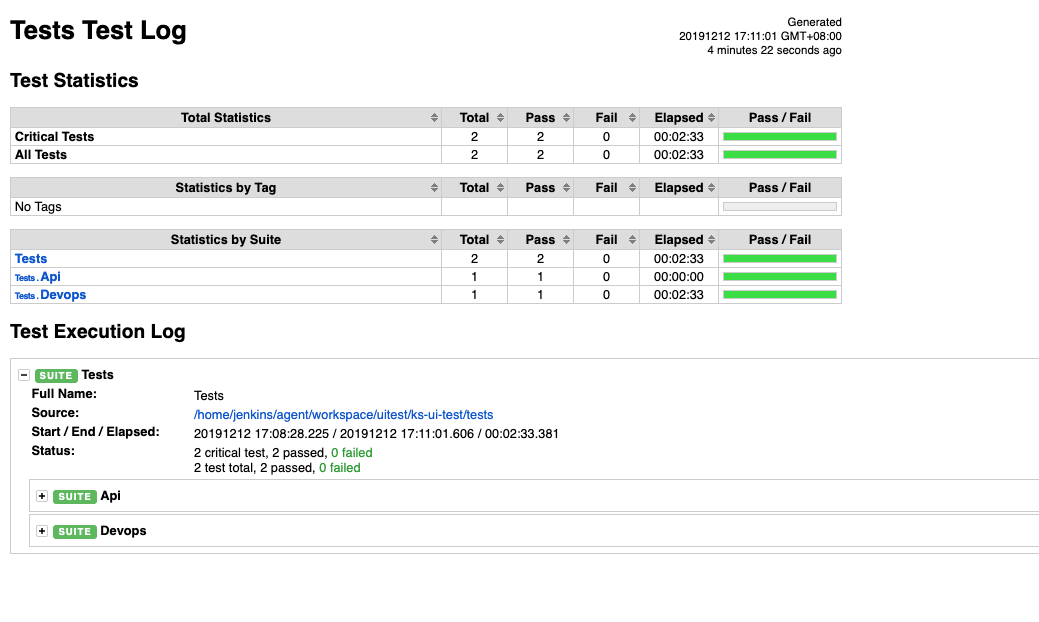
The UI automated testing here uses the Robotframework framework that I am familiar with, using keywords for automated testing. For related documentation, see How to Package a Docker Image of Robot Framework
.
Below is an example of UI automated testing using Robotframework:
| |
Execution log:
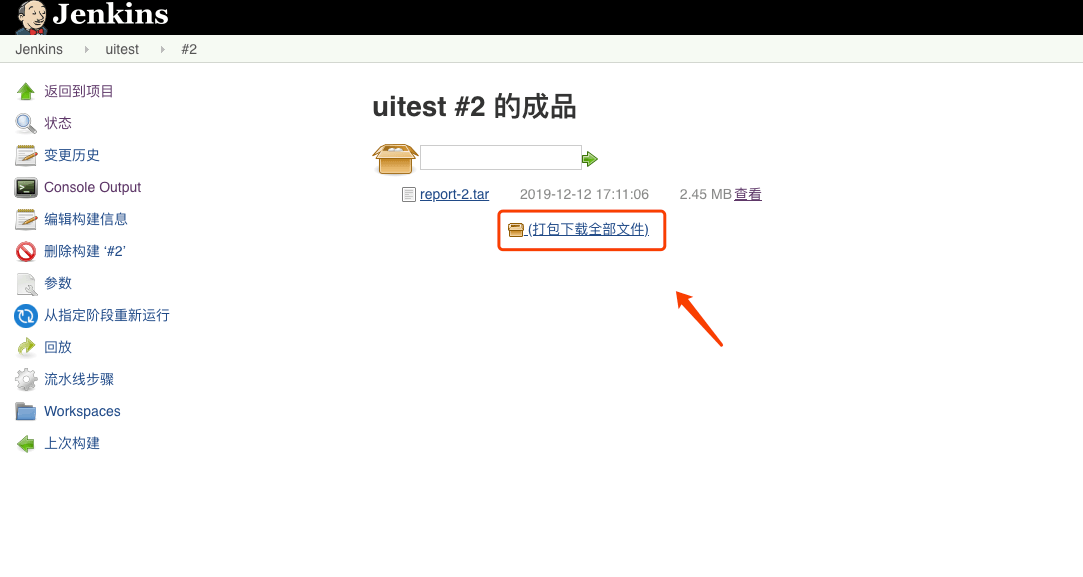
Test report: