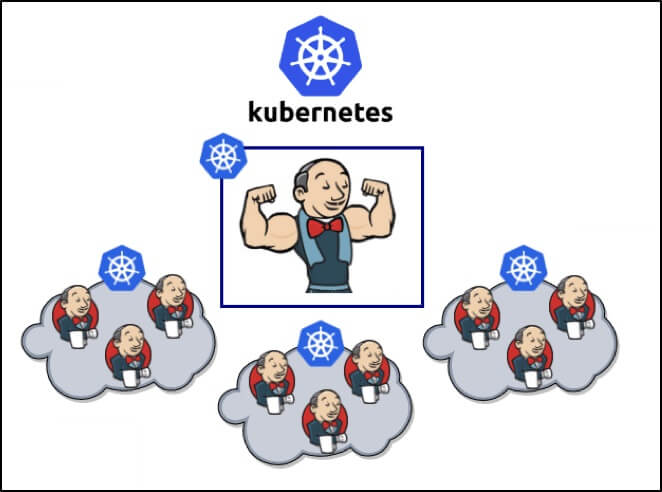
1. Configure Larger -Xms -Xmx Parameters
Jenkins is an orchestration engine written in Java, and it stops the world (STW) during a Full GC. At large build scale, STW can prevent Jenkins from handling new requests.
To avoid frequent STW while also increasing concurrency, it is recommended to set a larger heap, -Xms3g -Xmx6g -XX:MaxRAM=6g. The specific values can be set according to monitoring metrics; after a Java Full GC, memory usage drops sharply.
2. Do Not Set request Too Small
If request is set too small, Jenkins may find the node short of resources after it starts running, triggering eviction and even crushing the node.
request should be close to the real value. If there are enough machine resources, configure affinity so that Jenkins runs on dedicated machines as much as possible. request >= 1.25 _ maximum JVM heap, limit >= 2 _ maximum JVM heap.
3. IO Performance Must Not Be Poor
Jenkins stores data in disk files. Every pipeline and every build occupies a file directory, producing a large number of files. Usually the number of pipelines is limited, but once the build history reaches the 10000+ level, you will feel the impact of IO on Jenkins.
If local storage is used, a high-performance SSD is recommended. If network storage is used, high-performance network support is required, along with a larger client cache pool.
4. Larger Disk Space for jenkins_home
When the disk is full, Jenkins will stop working, and an error message will appear in the Jenkins UI.
It is recommended to monitor disk usage of Jenkins’ working directory and configure alerting rules. If there is no monitoring and alerting system, then it is recommended to simply set a large disk space for the /var/jenkins_home directory. This is because some Storage Classes do not support dynamic expansion, so when the disk is full the only option is to copy and migrate manually.
5. Use the Kubernetes plugin to Build on Kuberntes
Building on physical machines or virtual machines increases operational cost and limits the number of concurrent jobs.
Using the Kubernetes plugin to build on Kubernetes can fully leverage the cloud-native advantages of easy scaling and easy maintenance to carry out large-scale builds. Reference: Dynamically Creating a Jenkins Slave on Kubernetes. Since builds consume a lot of resources, to avoid impacting the cluster you can configure affinity to concentrate the build Pods onto designated nodes.
6. Use CasC to Manage Jenkins Configuration
Making all kinds of build, security, and other configuration through the Jenkins UI is not only tedious and hard to maintain, but also cannot be reused.
Using the CasC plugin lets users describe Jenkins configuration in text form, and it can also be placed in a Git repository for version management.
| |
7. Package Jenkins with Custom WAR Packager
When deploying a new Jenkins environment, a large number of plugins need to be installed, which greatly affects deployment speed, and whether the plugins can be downloaded properly is also uncertain.
Custom WAR Packager lets users package Jenkins, configuration, and plugins into a complete war package or image. This way, whether for development and testing or for production deployment, it is very convenient to deploy and the environment is consistent, while the user only needs to write a yaml file.
| |
8. Jenkins Shared Libraries
When writing Pipelines in Groovy, there is often a large amount of duplicated code.
Jenkins Shared Libraries provide sharing at the function level, allowing the same set of function logic to be reused across different pipelines. This suits platform building and large-scale usage scenarios. It not only speeds up Pipeline writing, but is also easy to maintain and upgrade smoothly.
| |
9. Restart the Jenkins Master Periodically
Although you will do a lot of optimization, in the end you will find that a restart still solves many problems.
Every so often, about once a month, problems appear such as Agents failing to connect, build concurrency not going up, and an increased failure rate. Just restart the Jenkins Master service, and the CICD system is back to normal, at the cost of only a few minutes of service interruption.
Therefore, when there is no way to switch among multiple Jenkins Masters, periodically telling users that a short downtime for maintenance is needed is very useful.
