1. Requirements for Building Harbor
Harbor hardware requirements:
- CPU, at least 2 cores, 4 cores is better
- Mem, at least 4 GB, 8 GB is better
- Disk, at least 40 GB, 160 GB is better
Docker version requirements:
- 17.06.0 or later
To build Harbor on Kubernetes, you can refer to the documentation, Building Harbor with Helm.
2. Features Provided by Harbor
Harbor is an enterprise-grade extension built on top of Docker Registry. The features Harbor provides include:
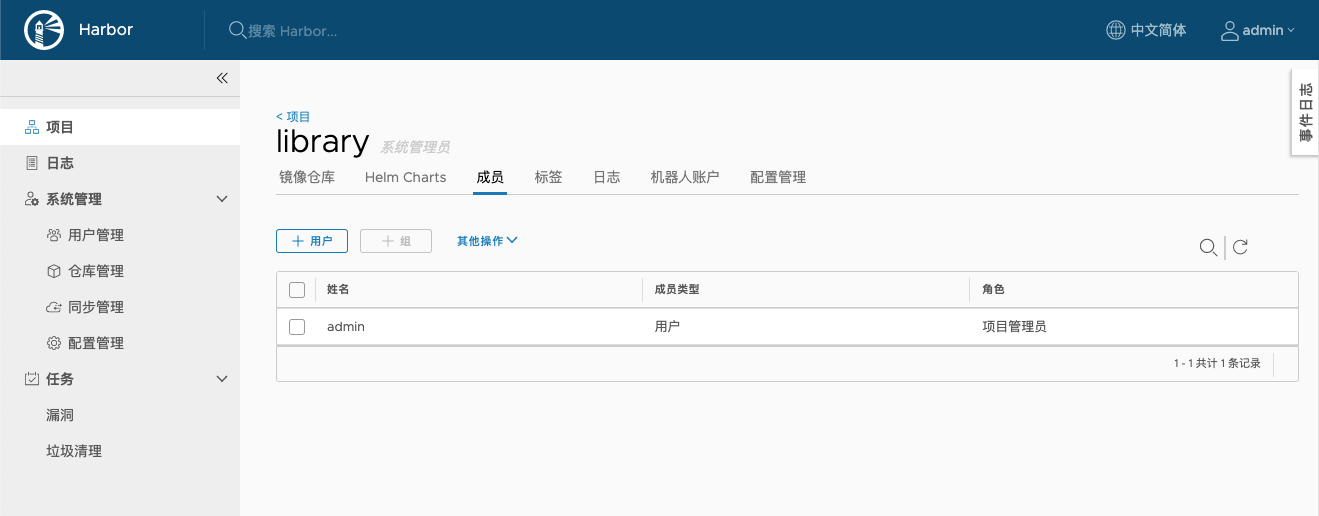
- Role-based access control
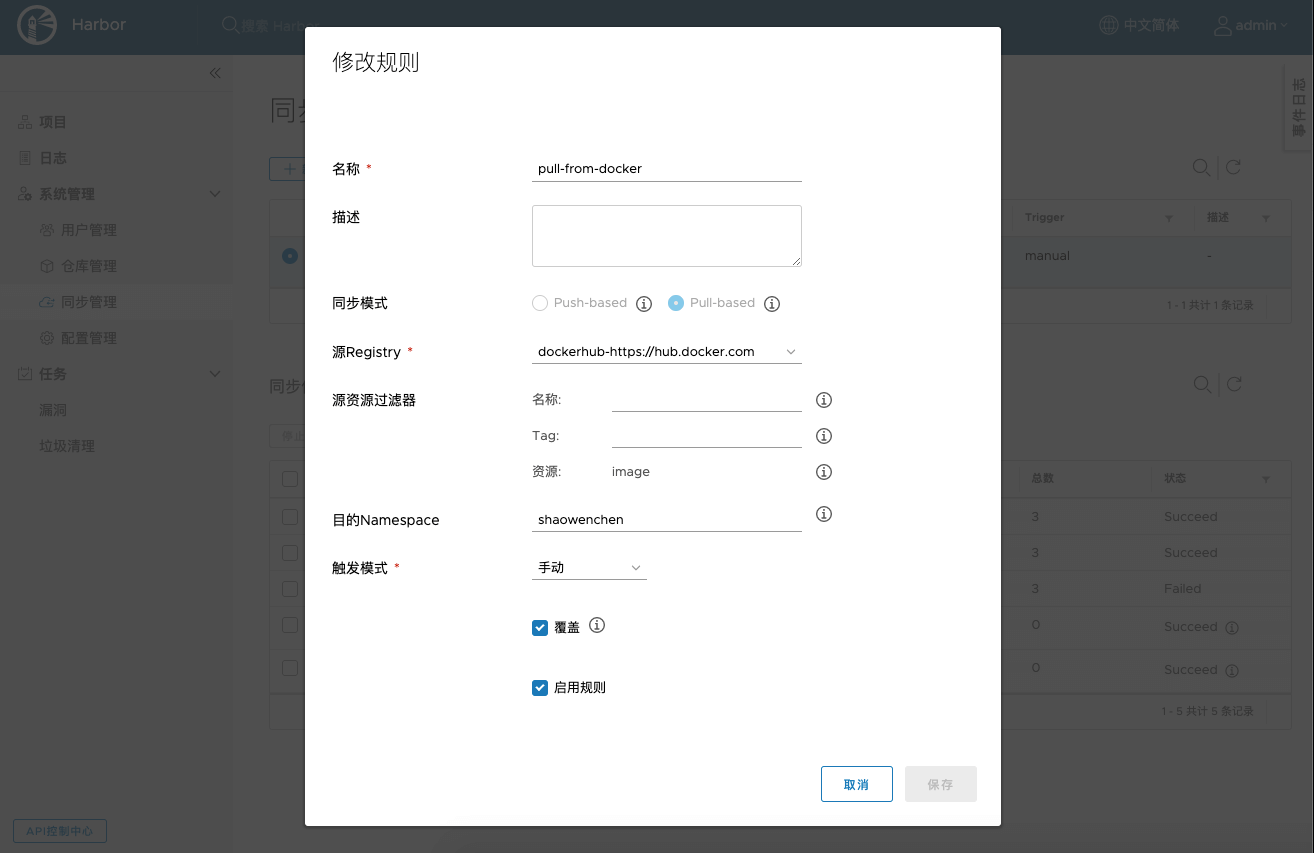
- Policy-based image replication
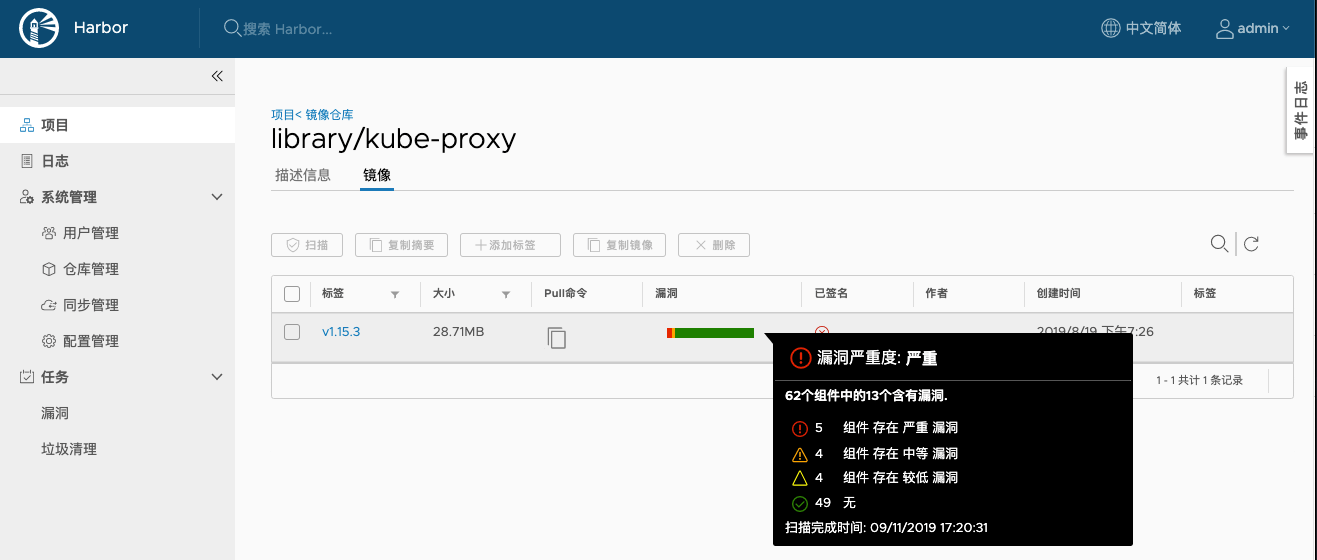
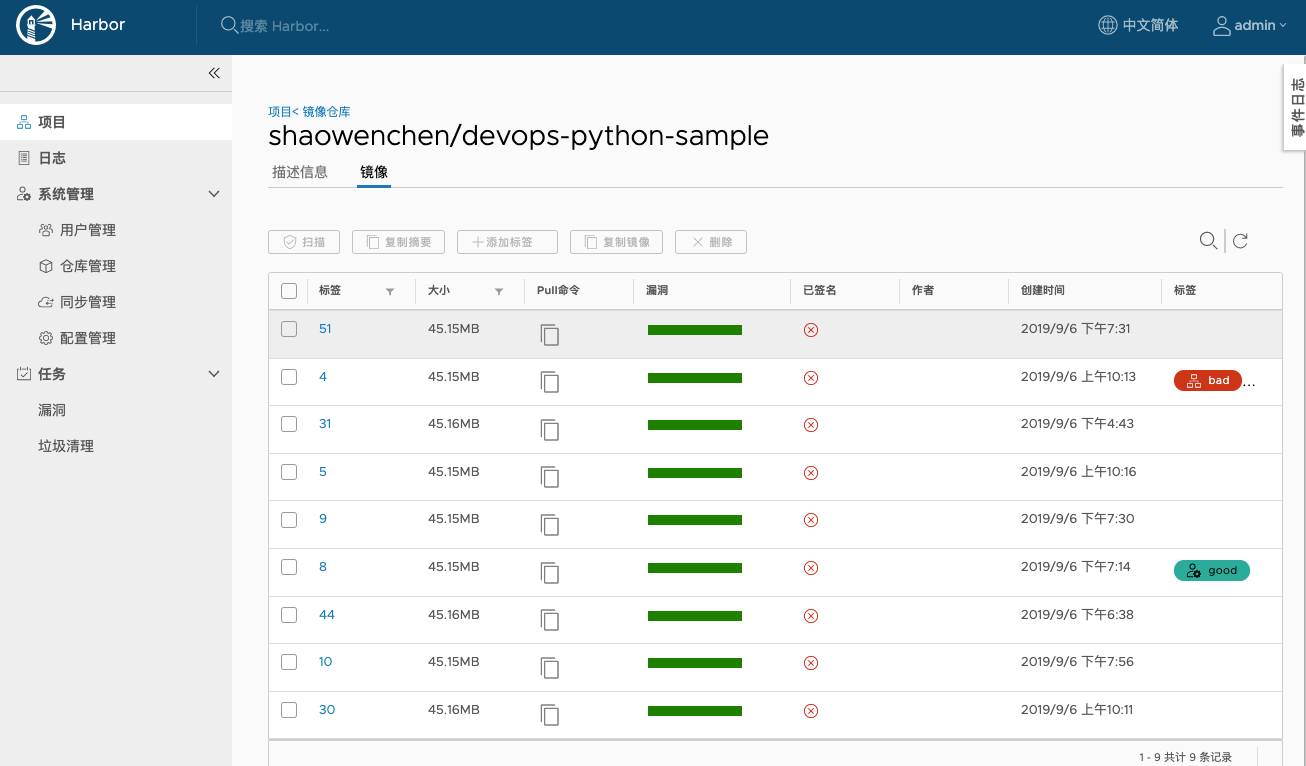
- Vulnerability scanning
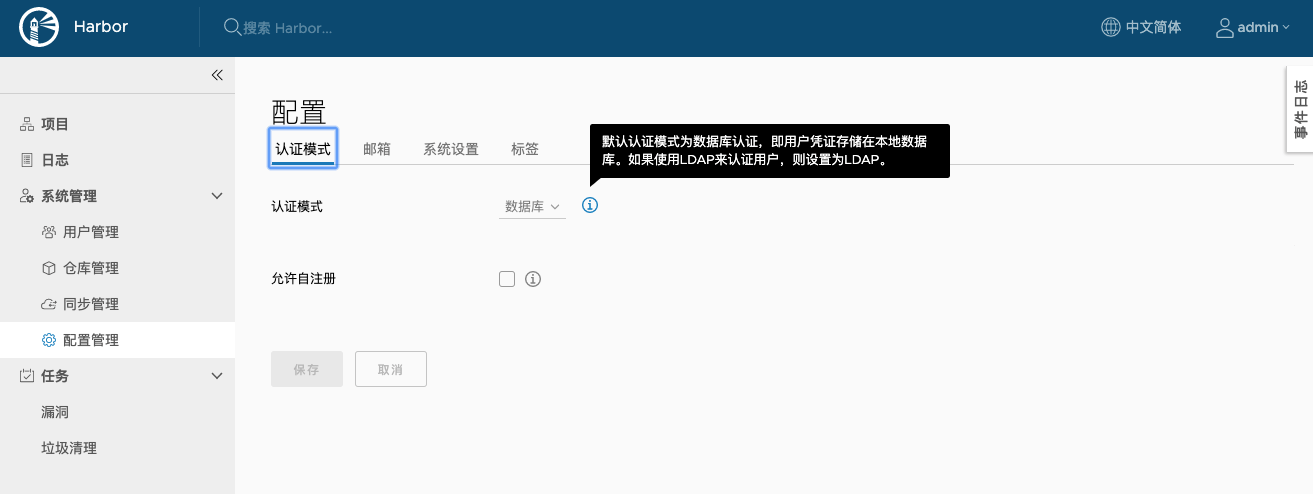
- LDAP authentication
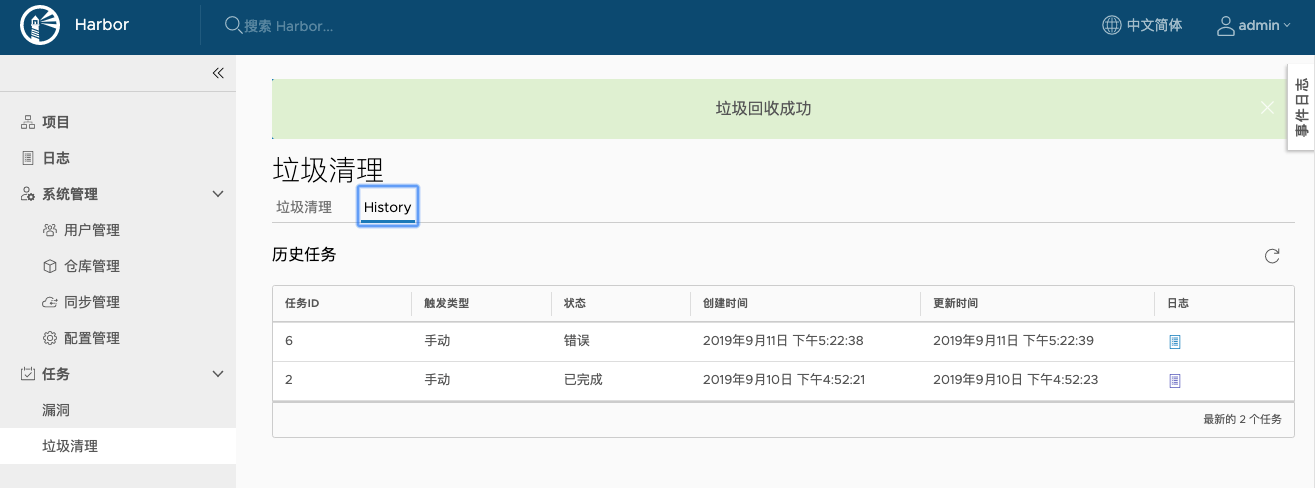
- Image garbage collection
- Notary image signing
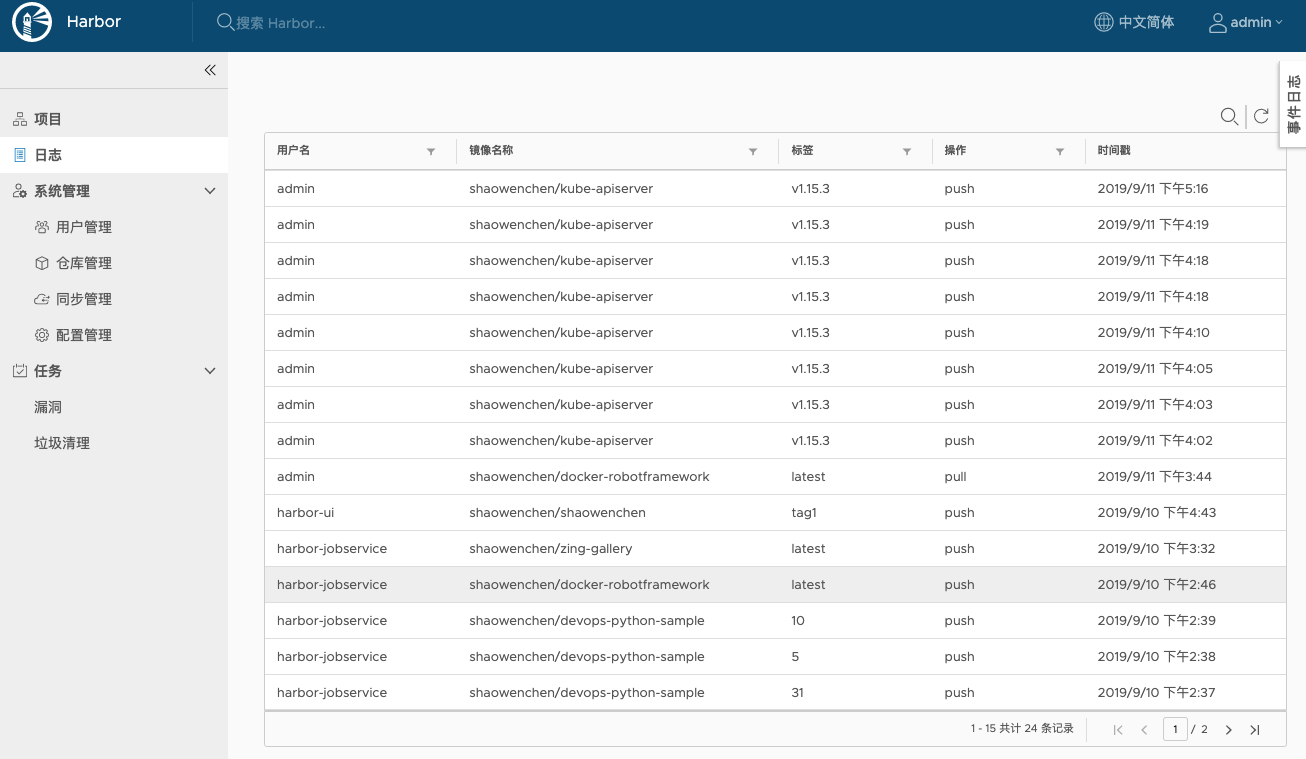
- Operation logs
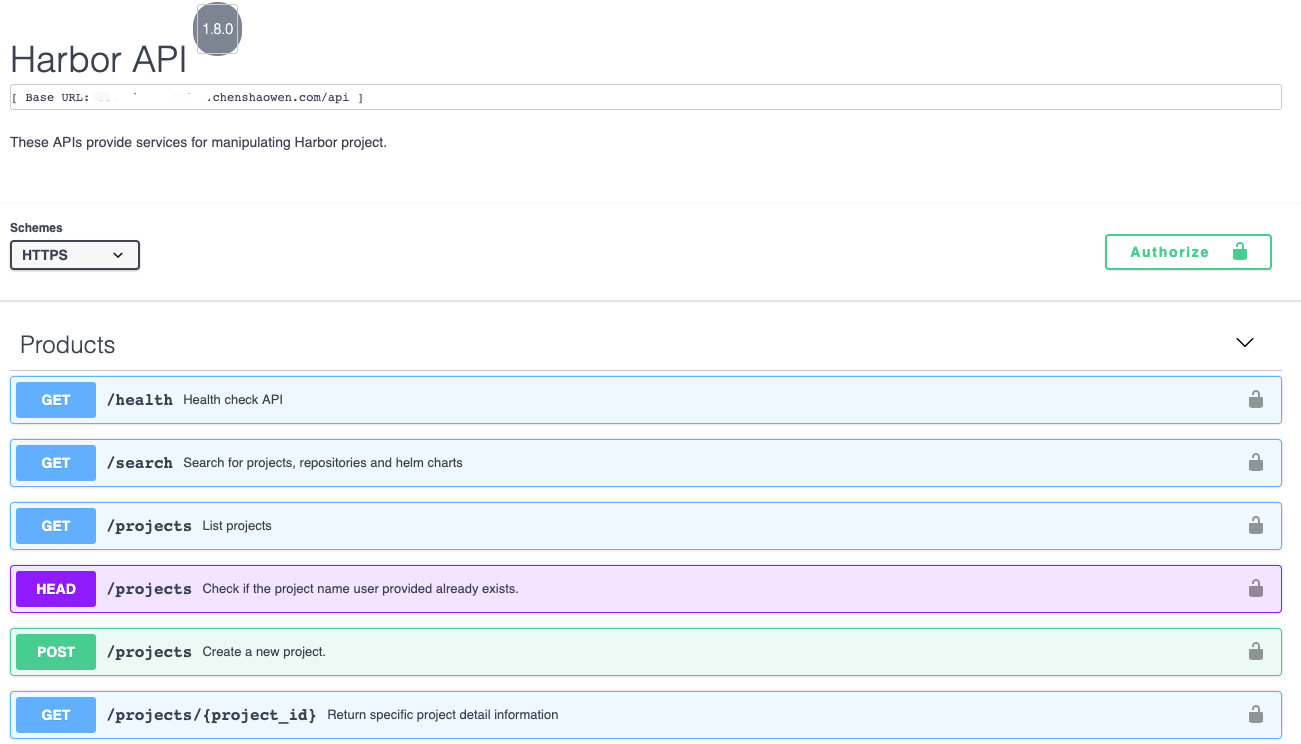
- RESTful API
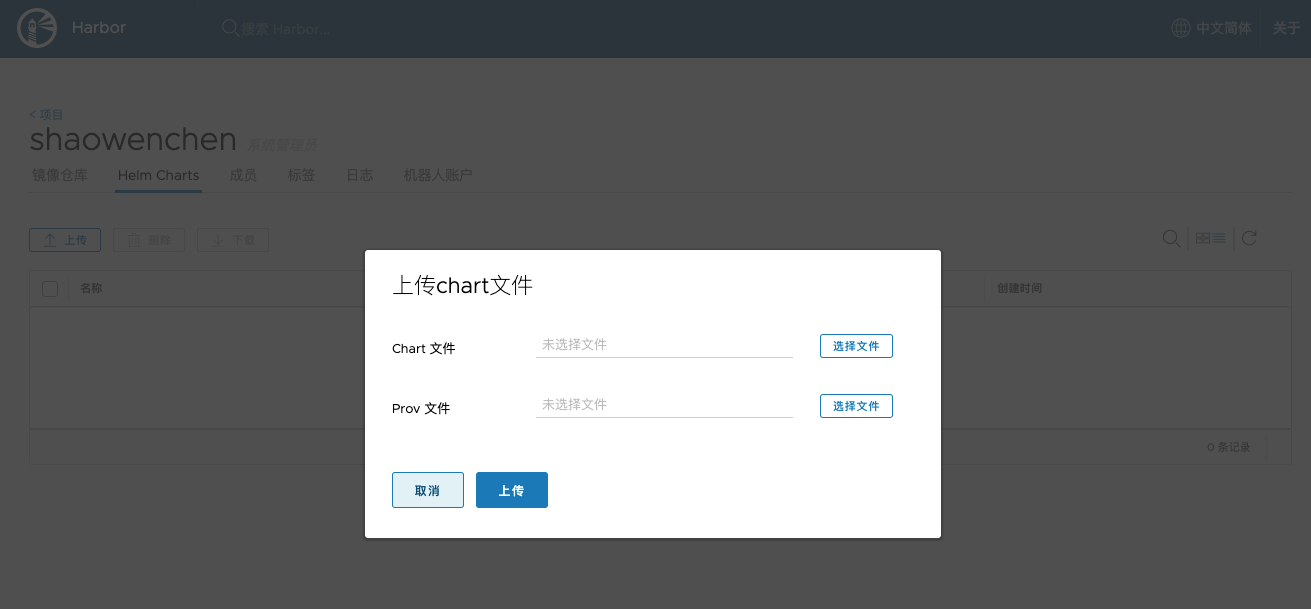
- Chart package management
3. Components Integrated into Harbor
3.1 Clair
Clair is an open-source image vulnerability scanning tool from CoreOS.
Clair works by first extracting features from an image, and then matching those features against the CVE vulnerability database. Clair scans statically, layer by layer, following the image’s layer hierarchy.
3.2 Notary
When building an image, you usually start from some base image and add image layers that fit the application scenario, producing a new image. To prevent malicious image layers from being illegally injected during the build process, the Content Trust mechanism exists, to ensure that image layers come from a trusted source.
Notary is a set of image signing tools, used to ensure the consistency and integrity of image layers during pull, push, and transfer. It avoids man-in-the-middle attacks and blocks illegal image updates and runs.
The creator of an image layer can digitally sign it, generating a digest that is stored in the Notary service. Once the Content Trust mechanism is enabled, unsigned images cannot be pulled.
You can enable the Content Trust mechanism by setting environment variables:
export DOCKER_CONTENT_TRUST=1
export DOCKER_CONTENT_TRUST_SERVER=https://notary.harbor.chenshaowen.com
When pushing or pulling images, image layers are required to be signed:
| |
| |
3.3 Docker Registry
Docker Registry is the image storage component officially provided by Docker.
registry v2 has features such as resumable transfers and concurrent pulling of multiple image layers.
When pulling an image, authentication happens first: a token is obtained and authorization passes, then the image’s manifest file is fetched and its signature verified. Once verification is complete, the individual layers are pulled according to the information contained in the manifest. After the pull finishes, verification is also performed locally first.
When pushing an image, the image layers are first pushed to the registry concurrently; once that completes, the image’s manifest is pushed to the registry.
In the registry’s storage directory you can find two folders: one is blobs, used to store layer files; the other is repositories, which stores the metadata of images in the registry in index form.
| |
4. Harbor in Kubernetes
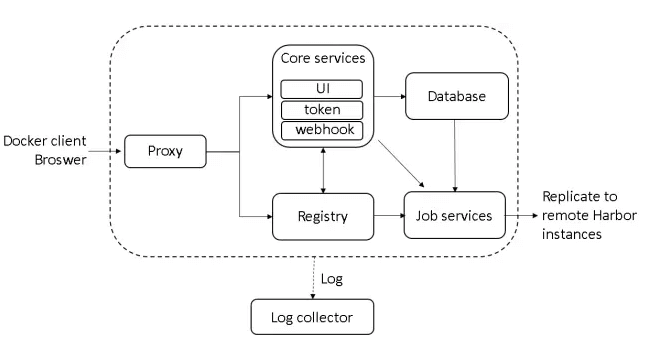
The above is Harbor’s architecture diagram. Below, let us look at the relevant modules in Harbor through the Pods running in Kubernetes:
| |
- chartmuseum, chart storage; in the mounted PV you can see chart packages stored in the form of file directories.
- clair, used for image security scanning
- core, core function control
- database, used to store metadata such as projects, users, roles, and images.
- jobservice, executes scheduled tasks and provides an API for external submission of tasks and queries of execution results.
- notary-server, notary-signer, implement Docker Content Trust and image signing.
- portal, the UI page entry point
- redis, cache
- registry, Docker’s native registry component
5. HA Solutions
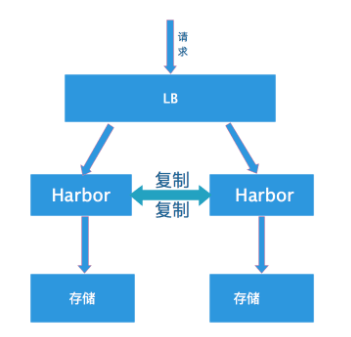
- Multi-master replication
A single LB directs requests to multiple Harbor instances. This approach cannot guarantee data consistency and often runs into problems in production environments.
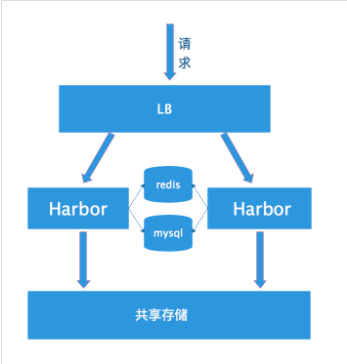
- Multiple instances, shared storage
Likewise, a single LB directs requests to multiple Harbor instances. But all instances share storage; as long as the storage is highly available, the whole Harbor cluster is highly available as well.
6. Some Issues with Harbor
Added in 2022.07
- Slow task queue
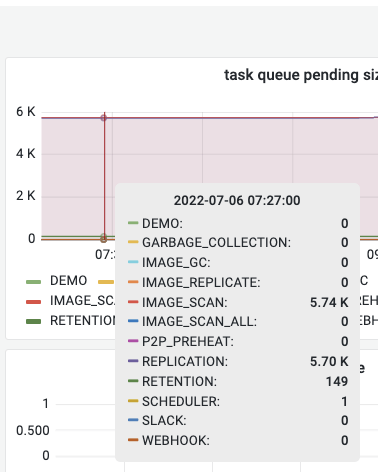
When using Harbor for master-slave replication, Harbor’s task execution is very slow. As shown above, daily pushes are under 2K, yet tasks have piled up to 5.7K — it simply cannot be used as a production sync solution.
Direct synchronization between master and slave Harbors is not feasible; if you use a third-party tool, it might be worth a try.
- Trivy scanning unavailable
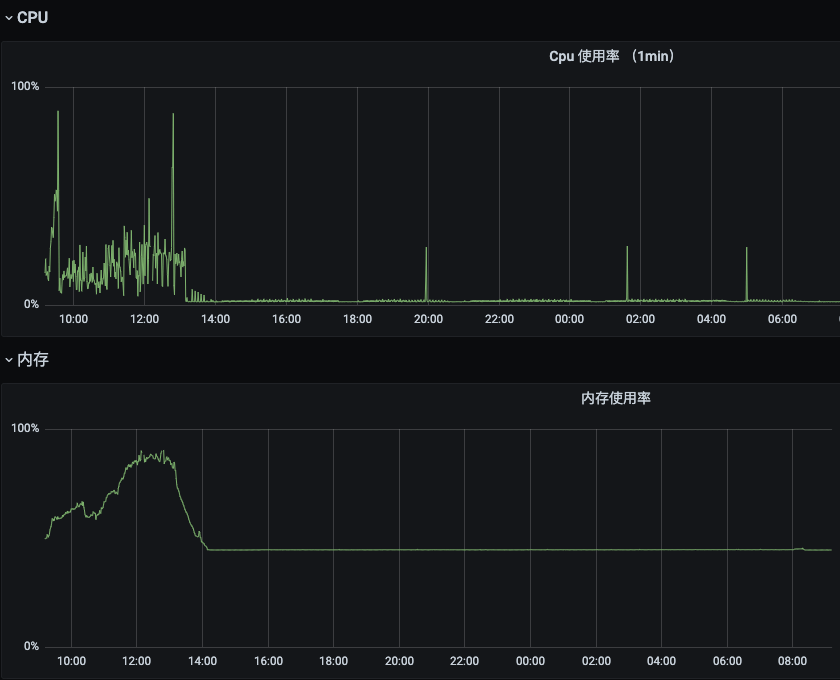
We deploy Harbor with docker compose on a 4C8GB machine. Harbor has two ways to automatically trigger security scanning:
- Scan after an image is uploaded. This causes tasks to pile up, and it takes over a dozen hours before they can run.

- Scheduled scanning. As shown above, on each scan the memory keeps growing and CPU spikes intermittently, until consumption approaches 98%, affecting machine stability. Moreover, images that were scanned before are still scanned a second time, so resource consumption cannot be controlled.
Therefore, it is recommended to use an external Trivy image security scanner, and at the same time to spread scanning across multiple instances.
- Defects in the task execution mechanism
On a Harbor instance based on Kubernetes, increasing the number of Job Service replicas does not significantly improve task execution speed.
At the same time, a task cancelled in the UI is not cancelled immediately; the data in Redis has to be deleted instead. If you use stateless Redis, you can restart Redis to cancel tasks.
