1. Buildpacks, an Old Tree Blooms Anew
The Buildpacks project was first started by Heroku in 2011 and was widely adopted by PaaS platforms such as Cloud Foundry. In an earlier document, Buildpack for PaaS Deployment, I demonstrated how to deploy a Django application to Heroku.
The shortcoming of Buildpacks was that the artifact it produced was in Droplet format, which could not be adapted directly to container platforms.
In January 2018, Pivotal and Heroku started a project called Cloud Native Buildpacks (CNB for short), and it joined the CNCF that October. The goal of the project is to realize a unified application packaging ecosystem.
Put simply, the artifact used to be a Droplet, and now it is an OCI container image that can be deployed on any container platform compatible with OCI images. The working principle is as follows:
- Detect. Based on the source code content, automatically detect and match buildpacks.
- Analyze. Look for caches from previous builds.
- Build. Turn the application’s source code into a runnable package.
- Export an OCI-format container image.
2. Who Cloud Native Buildpacks Is For
Cloud Native Buildpacks is a great fit for scenarios that require frequent application packaging, and where the variety of applications is large.
- aPaaS platforms
aPaaS is a platform that provides a runtime and often needs to deploy all kinds of applications. Using Cloud Native Buildpacks standardizes the packaging process and quickly turns source code into images.
- FaaS platforms
A FaaS platform provides a runtime environment for functions. On container-centric infrastructure, FaaS packages user code into images and then creates containers to run them. Cloud Native Buildpacks can both detect the programming language and framework of user code and quickly compile it into an OCI image, which is exactly what FaaS needs. The FaaS of Google Cloud Platform uses Buildpacks.
- Developers
Not every developer is suited to using Cloud Native Buildpacks; learning and maintaining it also has a cost. If you have many applications to maintain and release, then Cloud Native Buildpacks will save you — at the very least you can write far fewer Dockerfiles.
3. Comparison with Similar Application Packaging Tools
Regarding S2I, I wrote a document earlier, Using S2I to Build Cloud Native Applications. In a product I was responsible for developing, S2I was used to package source code into images.
Buildpacks, on the other hand, is a technology I came across in my previous job. At the time I was developing SaaS and needed Buildpacks to package applications.
This is the comparison of similar tools from the Buildpacks community:
| Logo |  |  |  |  |
|---|---|---|---|---|
| Product Name | Cloud Native Buildpacks | source-to-image (s2i) | Jib | ko |
| Advanced Caching | Yes | Yes | No | No |
| Bill-of-Materials | Yes | No | No | No |
| Modular / Pluggable | Yes | No | N/A † | N/A † |
| Multi-language | Yes | Yes | No | No |
| Multi-process | Yes | No | No | No |
| Minimal app image | Yes | Yes ‡ | Yes | Yes |
| Rebasing | Yes | No | No | No |
| Reproducibility | Yes | No | Yes | Yes |
| Reusability | Yes | Yes | N/A † | N/A † |
| Integrations | _ Azure _ CircleCI _ GitLab _ Google _ Heroku _ Spring Boot _ Tekton _ … | * OpenShift | _ Gradle _ Maven | |
| Governance | CNCF | Red Hat |
From the standpoint of ecosystem and features, Buildpacks is better than S2I.
4. Packaging an Application in a Docker Environment
Git must be installed in advance; the following is performed in a Docker environment.
4.1 Installing the Pack Command-Line Tool
Pack is the tool Cloud Native Buildpacks provides for using buildpacks. Here Linux is used as the example for installation:
| |
Check the pack version
| |
4.2 Packaging an Application
- Clone the code
| |
- Enter the code directory
| |
- View the code directory
| |
This is a very ordinary Django project structure.
- Check the recommended builders
A builder defines the steps for turning source code into an image. If there is a builder you are familiar with, you can use it directly, or you can use the builder recommended by Pack.
| |
- Run the build; here heroku/buildpacks:20 is used for the build
| |
- View the image
| |
41 years ago is probably a bug, and the image is a bit large. On the second build I did not see any obvious speedup, so it seems a custom builder is needed to show the advantages in the table above.
- Create a container to try it
| |
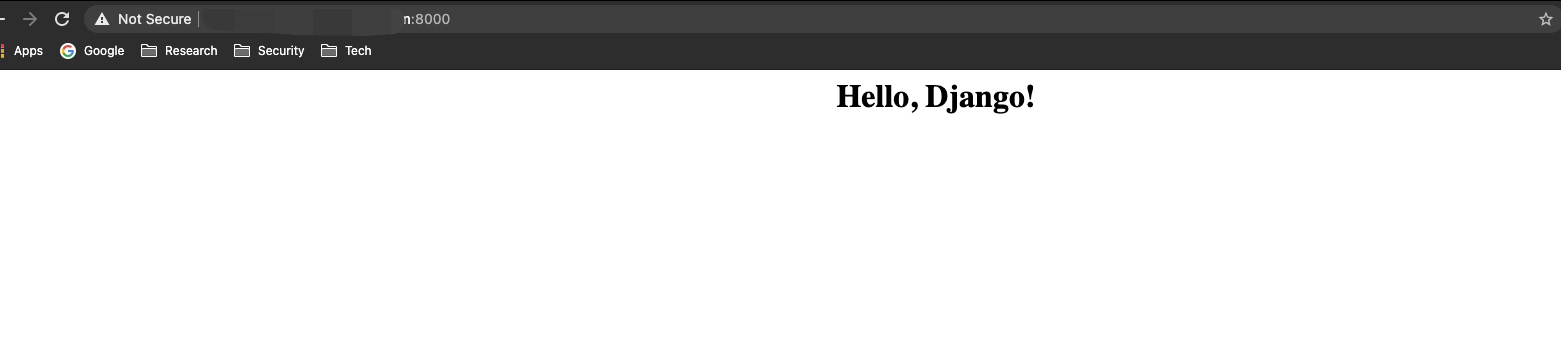
- Access the page on port 8000.
5. Summary
This article was mainly a hands-on look at Cloud Native Buildpacks, the evolved version of Buildpacks in the cloud native era.
Like S2I, Buildpacks lets developers define their own builders, and also lets users define some configuration in the source repository, such as specifying the source directory or the interpreter version. Platforms in the PaaS and FaaS category are better off adopting and contributing to these open-source projects than maintaining a similar toolset of their own.
